EasyManua.ls Logo

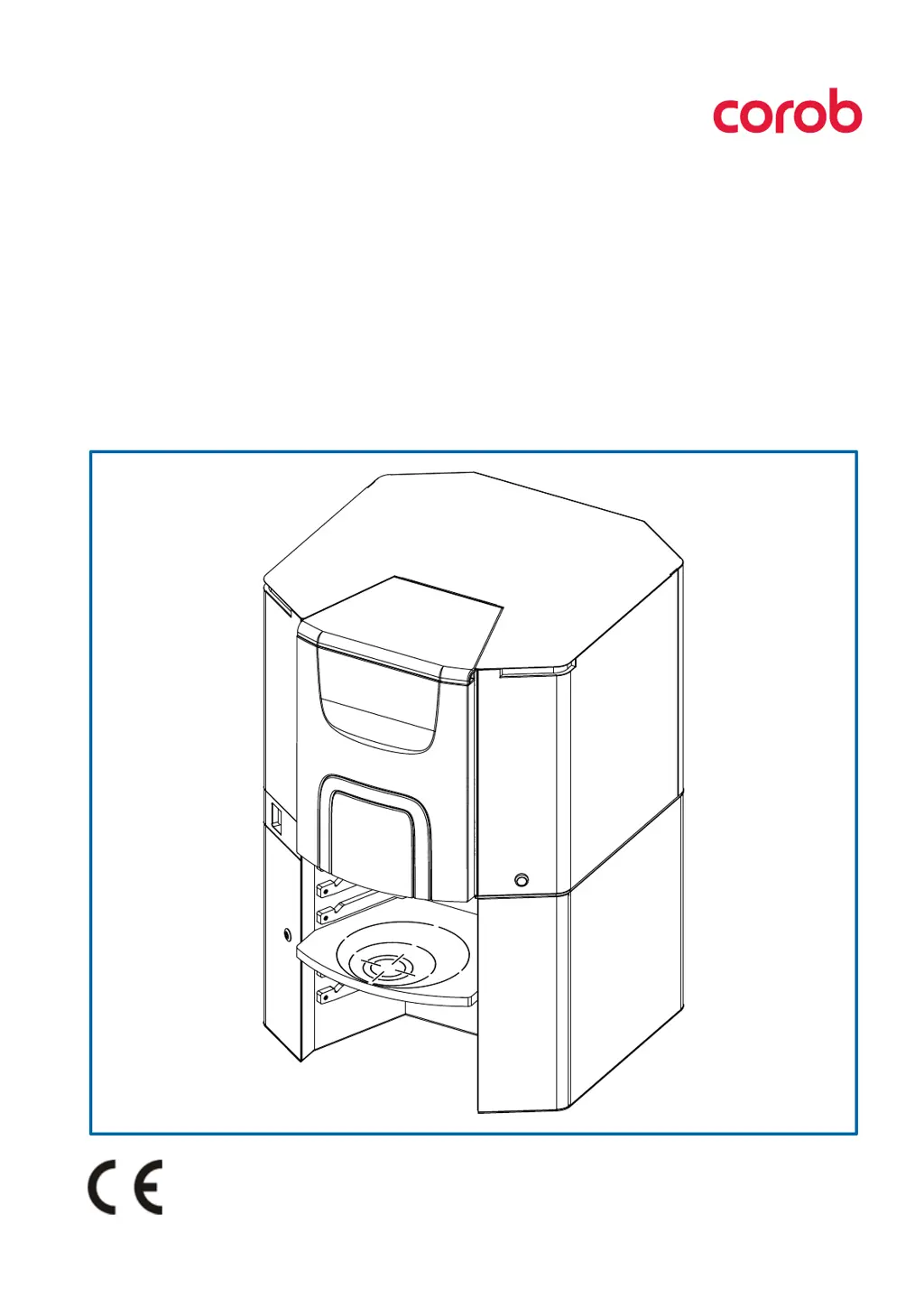
corob EVOTURN - User Manual

Default Icon
42 pages
Print Icon
To Next Page IconTo Next Page
Loading...
211373
V1.0 - R3 (09/2020)
EVOTURN

Manuale d’uso
Users manual

Table of Contents

Questions and Answers

  • E
    Edward DaviesAug 5, 2025
    How to fix corob EVOTURN when machine does not turn on?
    • J
      John HoffmanAug 5, 2025
      If your Corob Dispenser machine doesn't turn on, here are a few things to check: * **Power Supply:** Ensure the power connections at the back of the machine are properly connected. * **Main Switch:** Verify that the main switch is in the ON (I) position. * **Fuses:** Inspect the fuses inside the fuse compartment and replace any that are blown. * **Overcurrent:** If the power supply unit is in overcurrent, wait a few minutes before restarting the machine. If the problem continues, it may require professional attention. * **Electrical Connections:** If you suspect defective electrical connections, it's best to contact an authorized technician.
  • R
    Rachel GarciaAug 10, 2025
    What to do if management software shows error in communication protocol for corob EVOTURN?
    • G
      Gary TurnerAug 10, 2025
      If the management software shows a communication error with your Corob Dispenser, try the following: 1. **Machine Status:** Ensure the machine is turned on and restart the management software. 2. **Connections:** Check the connections at the back of the machine to make sure it's properly connected to the computer. 3. **Port Configuration:** Use the configuration and calibration software to verify that the serial port or USB port is correctly configured. 4. **Cable Condition:** Replace the communication cable with a manufacturer’s original spare part if the serial cable is damaged.
  • S
    Shawn MitchellAug 17, 2025
    Why corob Dispenser does not work and does not execute timed processes?
    • A
      Amy FrederickAug 17, 2025
      If your Corob Dispenser isn't working and isn't executing timed processes, it could be due to these reasons: * **Offline Mode:** Check if the offline button is pressed (the LED light will blink blue if it is). If so, release the offline button and close the top cover. * **Error State:** If the LED light is blinking red, there's an error. Check the error message displayed in the software. After resolving the cause of the error, reset the machine by sending a reset command or by turning it off and on again. If the problem persists, contact technical service.
  • A
    Amber TorresAug 23, 2025
    How to troubleshoot turntable not rotating on corob EVOTURN?
    • M
      Morgan CoxAug 23, 2025
      If the turntable on your Corob Dispenser isn't rotating, consider these potential causes: * **Locking Screw:** Ensure the turntable locking screw (used during transport) has been removed. * **Top Cover:** Make sure the top cover for canister access is closed. * **Obstructions:** Verify that no object is preventing the turntable's movement; keep the area clear of foreign objects.
  • B
    billypetersAug 28, 2025
    What causes inaccurate color mix in corob EVOTURN?
    • C
      Christopher StantonAug 28, 2025
      An inaccurate color mix in your Corob Dispenser could stem from: * **Incorrect Selection:** Double-check that the correct base paint is selected and that there are no formulation errors in the dispensing software. * **Low Colorant Level:** Ensure the colorant level in the canister is sufficient. If it's low, fill the canister using the specific software function.

Summary

INTELLECTUAL PROPERTY RIGHTS AND DISCLAIMER

QUICK GUIDE

At the beginning of the working day

Daily startup procedures and checks for optimal machine performance.

Things to remember

Key operational reminders and best practices for daily use.

At the end of the working day

Essential steps for properly shutting down the machine after use.

GENERAL INFORMATION

Purpose and use of this manual

Explains the manual's scope, importance, and proper handling for correct machine operation.

Conventionally used graphics

Details graphic conventions, symbols, and icons used throughout the manual for clarity.

Definitions

Defines key terms and roles, such as Operator and Maintenance Technician, for user understanding.

FEATURES

Description of the machine

Provides a comprehensive overview of the automatic dispenser's functionality and design.

Description of units

Details the individual physical components and parts of the machine.

Usable cans

Specifies the permissible container dimensions and types for safe and effective use.

Intended use and reasonably foreseeable misuse

Clarifies the machine's designated purpose and outlines improper or unintended uses.

Identifying information

Explains the details found on the machine's identification plate, such as manufacturer and model.

SAFETY

Safety warnings and unauthorized use

Covers mandatory safety precautions, prohibited actions, and user responsibilities.

Warnings on the use of colorants

Provides essential safety advice and precautions for handling and using various colorant products.

Residual risks

Identifies potential hazards and outlines recommended preventive measures and PPE.

Position of labels

Illustrates the location of important safety and instruction labels on the machine.

Safety devices

Details the integrated safety features designed to protect users and the machine.

Requirements of the installation site

Specifies the necessary environmental conditions and site prerequisites for safe machine operation.

SHIPPING AND HANDLING

General warnings

Essential safety precautions and personal protective equipment for handling operations.

Unpacking and placement

Step-by-step instructions for safely removing the machine from its packaging and positioning it.

Removing the turntable locking screw

Detailed procedure for removing the turntable locking screw before operation.

Storage

Guidelines for storing the machine safely, considering environmental factors like temperature and humidity.

Disposal and recycling

Instructions for proper disposal and recycling of the machine components according to regulations.

START-UP

General warnings

Crucial safety instructions regarding electrical connection and grounding before powering up.

Management computer

Information about the management computer, software, and remote control options.

Control devices and connections

Identifies main controls, power outlets, and connections for peripherals.

Off-line button with integrated ON lamp

Explains the function of the off-line button and the meaning of its ON lamp status.

LED light bars (optional)

Describes the function of optional LED light bars for machine status indication.

Electrical connection and start-up

Step-by-step guide for connecting the power cable and initiating the machine's first start-up.

Shut-down

Provides recommendations on how to properly shut down the machine and computer.

USING THE DISPENSER

General warnings

Safety precautions for operators, emphasizing single-operator use and panel security.

At the beginning of the working day

Daily operational checklist including machine cleaning and brush unit checks.

Running the machine

Outlines the process of operating the machine guided by the management software.

Adjusting the can shelf height and positioning the can

Instructions for adjusting the can shelf and correctly positioning cans for dispensing.

Dispensing

Explains the dispensing process, including LED status and automatic nozzle cleaning.

Automatic processes

Details automated timed processes like colorant stirring, recirculation, and nozzle cleaning.

Refilling the canisters

Step-by-step instructions for safely refilling the machine's colorant canisters.

Troubleshooting

Provides common machine problems and their corresponding solutions for effective problem-solving.

ORDINARY MAINTENANCE

General warnings

Safety guidelines and PPE requirements before performing any maintenance tasks.

Maintenance table

A schedule detailing routine maintenance operations and their recommended frequencies.

Products to be used

Lists recommended cleaning products compatible with machine parts and colorants.

External cleaning

Procedures for cleaning the exterior surfaces of the machine, emphasizing safe cleaning agents.

Maintenance of the cleaning brush unit

Instructions for daily checks, washing, and refilling the cleaning brush unit container.

Replacing an integrated circuit

Guide for replacing integrated circuits, considered extraordinary maintenance, by the operator.

TECHNICAL SPECIFICATIONS

Technical data

Lists key technical specifications including power, frequency, fuses, noise level, and environmental conditions.

Dimensions and weight

Provides the physical dimensions and weight of the machine in metric and imperial units.

Declaration of conformity

Directs the user to an appendix for detailed CE conformity information.

Warranty

Explains warranty terms, conditions for validity, and manufacturer's liability exclusions.

EC Declaration of Conformity

corob EVOTURN Specifications

General IconGeneral
CategoryDispenser
ModelEVOTURN
ManufacturerCOROB
Simultaneous DispensingYes
TypeAutomatic
ConnectivityLAN
MaterialSteel

Related product manuals