3-36
Section 3
New User Profile
Soft Key Description
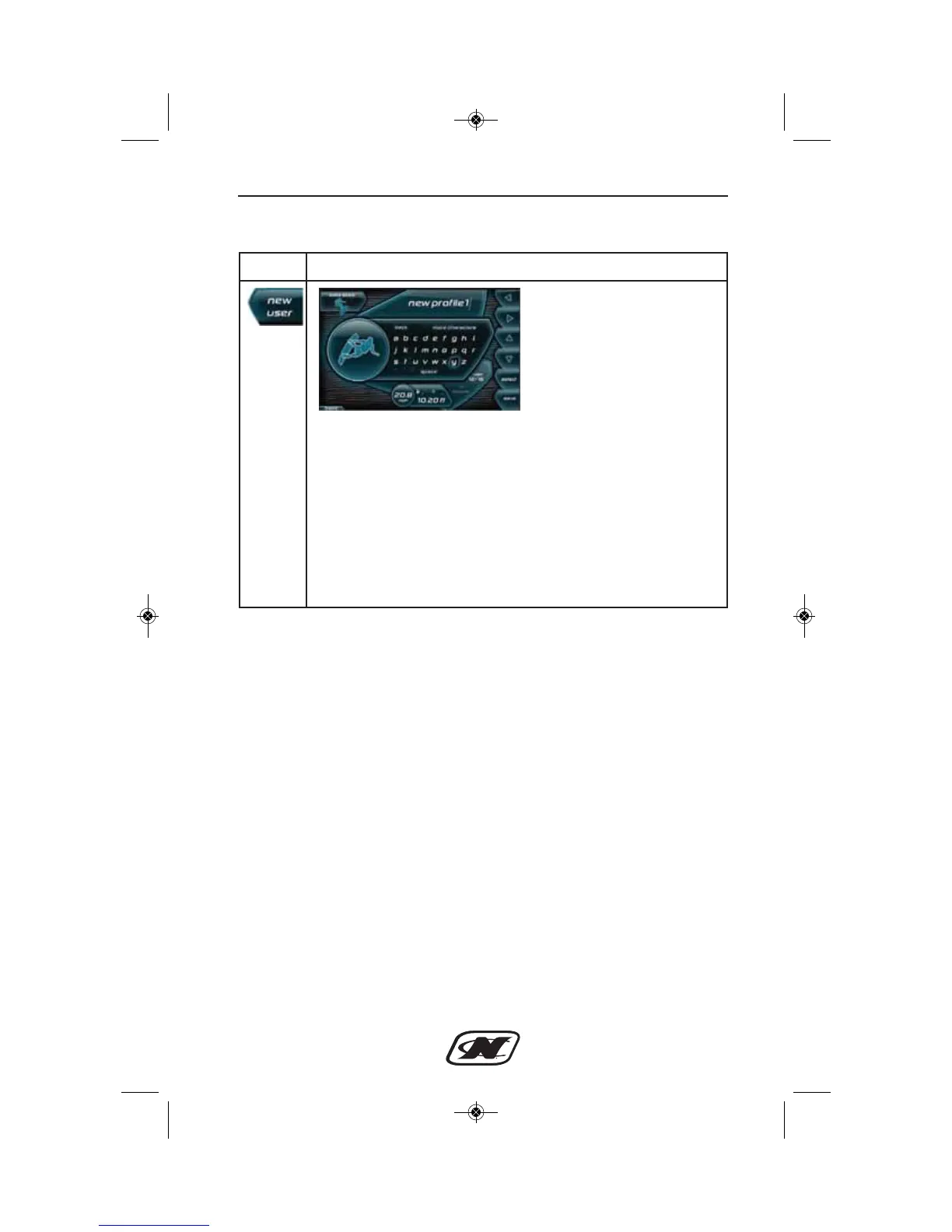
Press the LEFT, RIGHT, UP or DOWN arrow soft keys to
navigate the keyboard. Select BACK at the top of the keyboard
to remove unwanted letters. Select MORE CHARACTERS to
toggle capital/lowercase letters and numbers. Select SPACE to
add a space between characters. Press the SAVE soft key when
finished entering the name.
To change the default settings, press the EDIT USER soft key
to change the default settings (see Edit User Profile for more
details on how to edit a profile). Use the BACK soft key in the
lower left corner to return to the previous screen.








 To Next Page