3-75
Controls and Indicators
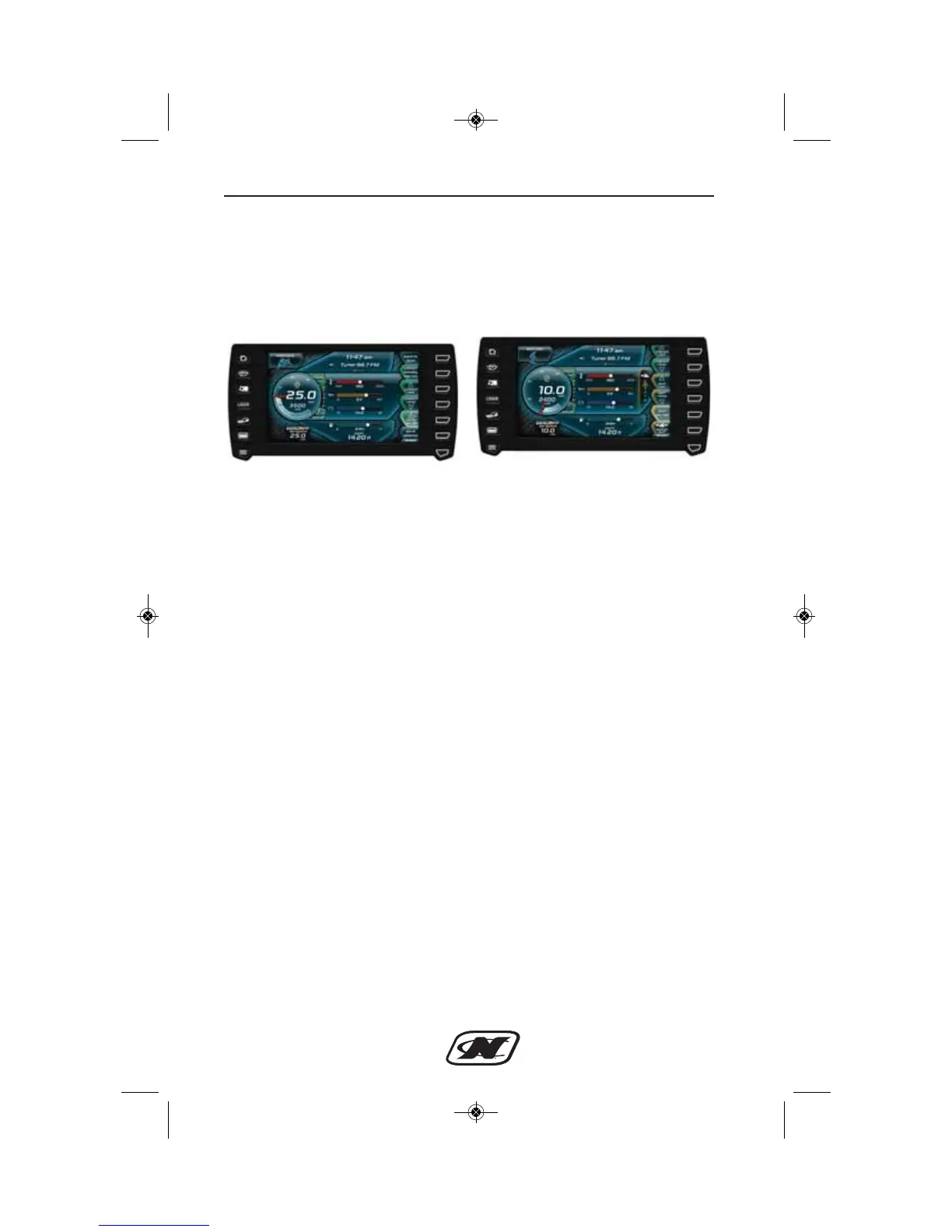
Once the surf page has been loaded, the controls for the NCRS and
NSS settings will be visible and can be easily adjusted. Figure 9
displays the differences between the NCRS page and the NSS page
which now populates the NCRS page.
Figure 9: NCRS page with NSS Inactive (left), Surf Page with NSS
Active (right)
Also available on the surf page is the “switch surf” button and the
NSS “on/off” button (see NSS soft key guide for details). When the
set speed is moved back above 13 mph the “Surf” button and page
will disappear and return to the NCRS page and button.
Adjusting NSS Settings
NSS has 6 unique settings that change the shape of the wakesurf
wave very much like the NCRS settings. As with NCRS, the higher
the number, the steeper or more “vert” the wakesurf wave will
become. 5 is associated with the most vert wakesurf wave, and is
also the most likely to be “washy” due to how steep the wave is. The
lower the NSS setting, the more “ramp” like the wakesurf wave will
become. Having an NSS setting of 0 would create the mellowest or
most ramp-like wakesurf wave, which would also create the
“cleanest” wakesurf wave. So in general, to clean the wakesurf wave
up, move the NSS settings toward 0. To make the wakesurf wave
steeper or make the wave shorter, move the NSS setting toward 5.
Using NCRS in Conjunction with NSS
To further adjust the wakesurf wave, NCRS settings can be changed
in conjunction with NSS settings to provide the user with even more
options to adjust the wakesurf wave. As with NSS, having an NCRS
setting of 5 would correspond with the steepest or most vert style
wakesurf wave. An NCRS setting of 0 would create the most ramp








 To Next Page