3-77
Controls and Indicators
Editing NSS Settings in User Profiles
Much like on the LINC home screen, NSS settings will be
unavailable when editing a user profile unless the profile set speed is
moved below 13 mph. Until the set speed is moved below 13 mph
(20.9 kph), a message notifying the user that NSS settings are only
available below 13 mph will be visible (see Figure 10).
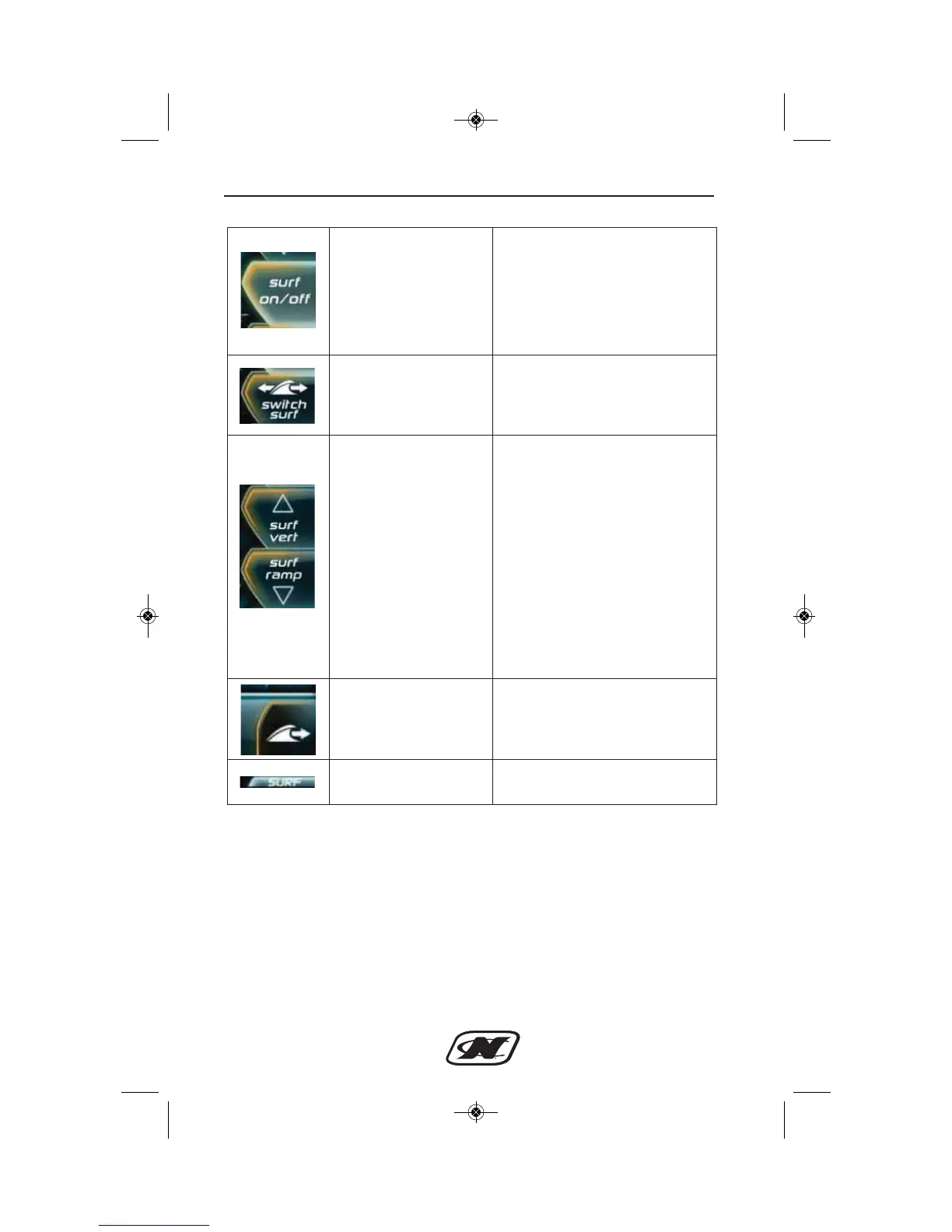
NSS On/Off Key
Allows the user to choose if
the designated wave plate will
engage once the set speed is
reached (on) or not (off)
Switch Surf Key
Allows the user to choose the
side on which to develop a
wakesurf wave
Surf Vert/Surf Ramp
Keys
Allows the user to select a surf
setting from 5 to 0 to adjust
the shape of the wakesurf
wave.
5 – Most vert and most likely
to wash
0 – Most mellow/ramp-like
and more clean
Surf Side Indicator
Arrow points toward side of
wave to surf
Surf Page Soft Key
Icon next to button to access
surf page








 To Next Page