3-74
Section 3
not necessary at wakesurf speeds they will turn back on once the set
speed is moved above 13 mph. (Note: The NCRS intensity setting
is a setting that only affects the dynamic control of NCRS. It does
not affect the NCRS set point; therefore the NCRS intensity setting
has no effect on NSS and is switched to show that it is not available.)
Likewise, the Auto Deploy setting only affects planning and
dynamic control situations, so it is also turned off while NSS is
active. These options are displayed how they appear in LINC when
NSS is active in Figure 8, above and below the NCRS setting.
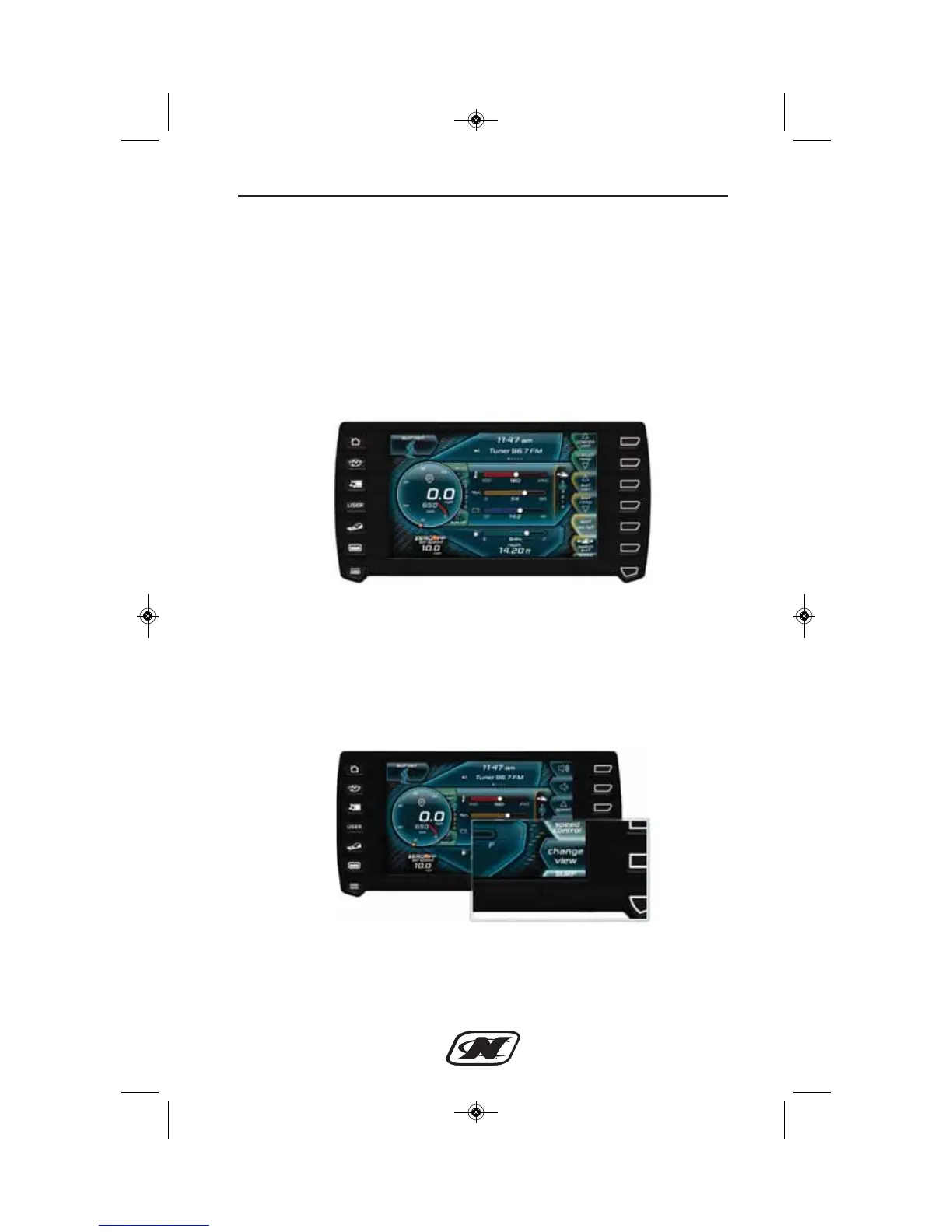
Figure 7: NSS Active: Note NCRS intensity n/a and auto deploy
“off”
Now that NSS is active, to change the NSS or NCRS settings you
must navigate to the “surf” page of the LINC display. This can be
done by pressing the last button on the right side of the LINC
display (see Figure 8).
Figure 8: Location of surf button to access the surf page








 To Next Page