3-45
Controls and Indicators
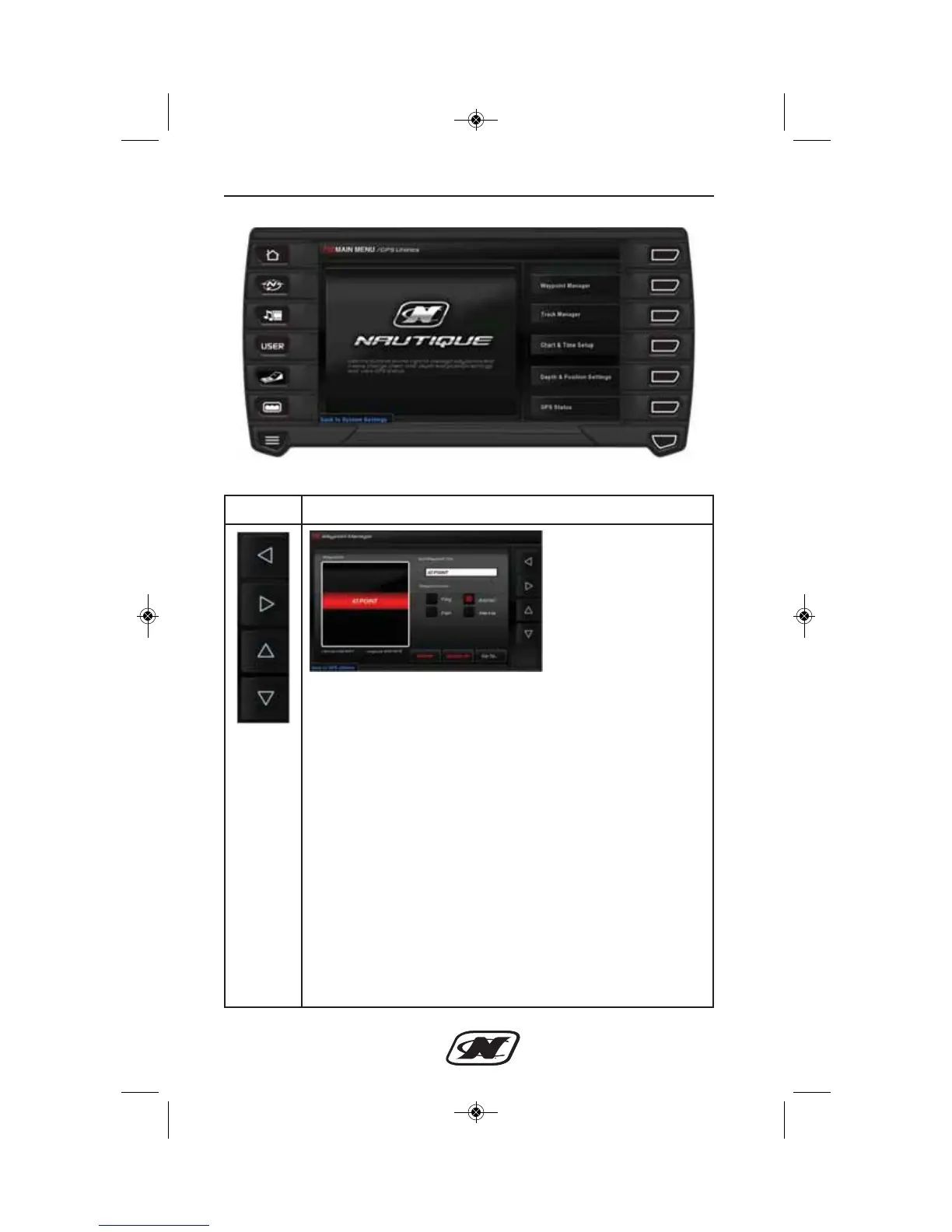
Waypoint Manager
Soft Key Description
LEFT – RIGHT – UP – DOWN soft keys are used to navigate
the different areas in the Waypoint Manager.
WAYPOINTS – provides a list of waypoints that have been set
using the tracking soft keys on the GPS Navigator screens.
Use the up and down arrows to select a waypoint to edit the
name, select an icon, Delete or Go To on the GPS Map.
EDIT WAYPOINT NAME – provides a keyboard to use to
edit the waypoint name.
WAYPOINT ICON – provides a list of icons available to use
to indicate waypoints on maps. The choices are:
• Flag
• Fish
• Anchor
• Marina
DELETE/DELETE ALL – deletes either the current
waypoint or will delete all in the list.








 To Next Page