3-48
Section 3
Depth and Position Settings
Soft Key Description
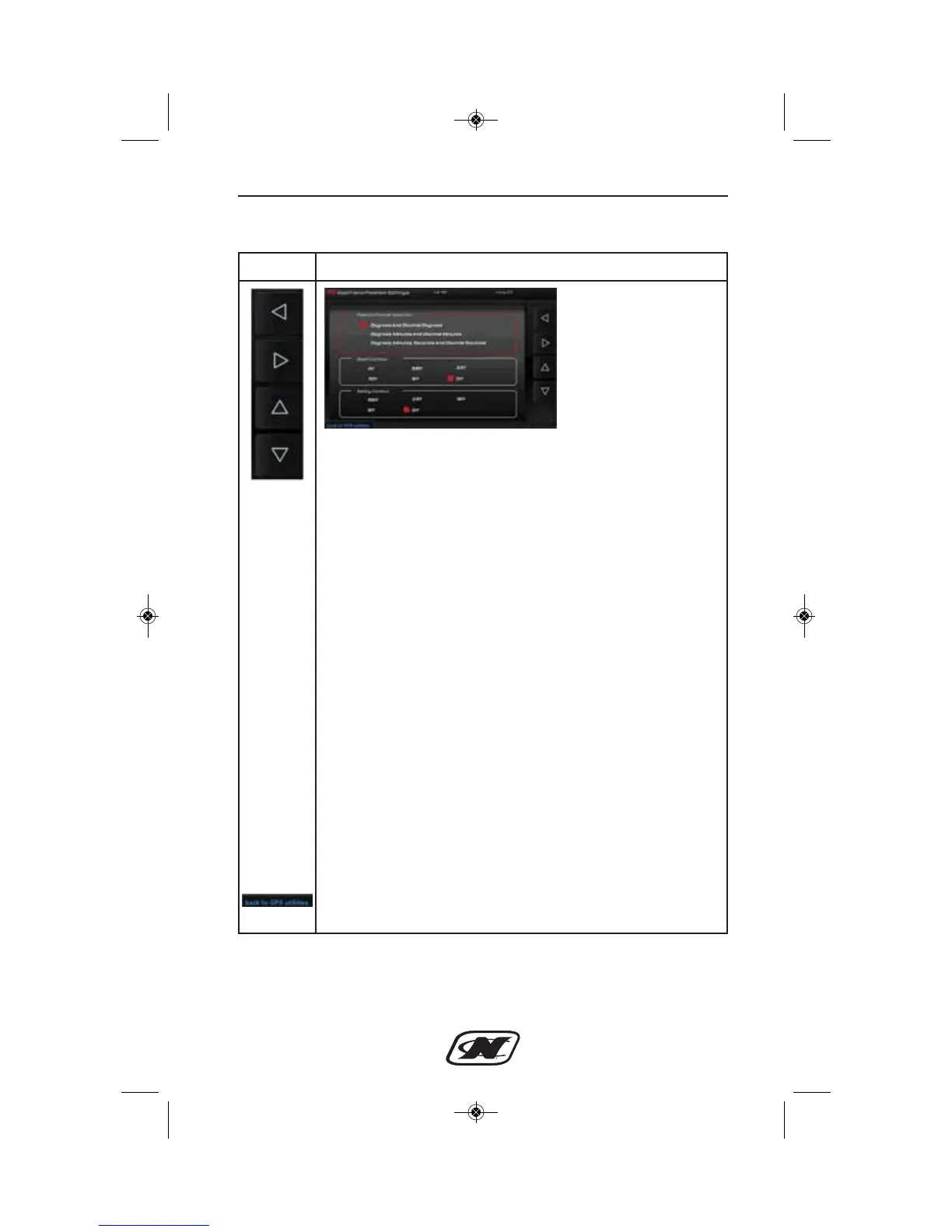
LEFT – RIGHT – UP – DOWN ARROW soft keys are used
to navigate the different areas in the Depth and Position
Settings.
POSITION FORMAT SELECTION – select the position
from available settings:
• Degrees and Decimal Degrees
• Degrees, Minutes and Decimal Minutes
• Degrees, Minutes, Seconds and Decimal Seconds
DEPTH CONTOUR – select depth contour from available
settings:
• All
• 66ft
• 33ft
• 16ft
• 6ft
• Off
SAFELY CONTOUR – select contour from available settings:
• 66ft
• 33ft
• 16ft
• 6ft
• Off
BACK TO GPS UTILITIES – select to return to the GPS
Utilities screen.








 To Next Page