3-53
Controls and Indicators
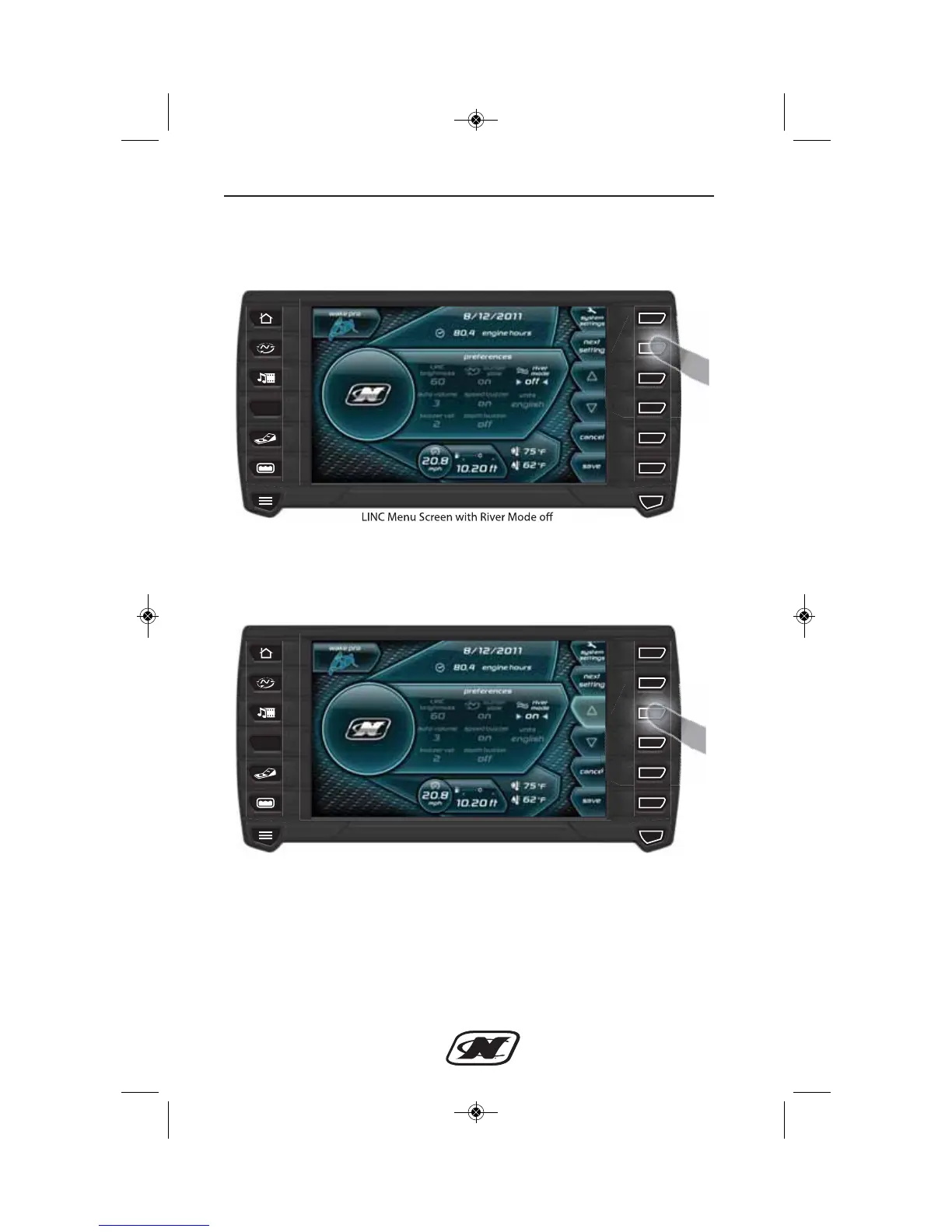
Once on the Menu screen, locate and select the River Mode setting
by pressing “next setting”.
Once River Mode is selected, press the up or down arrow to toggle
River Mode on.
Press “save” to save this setting and return to the main Home screen
to view and adjust River mode settings.








 To Next Page