3-64
Section 3
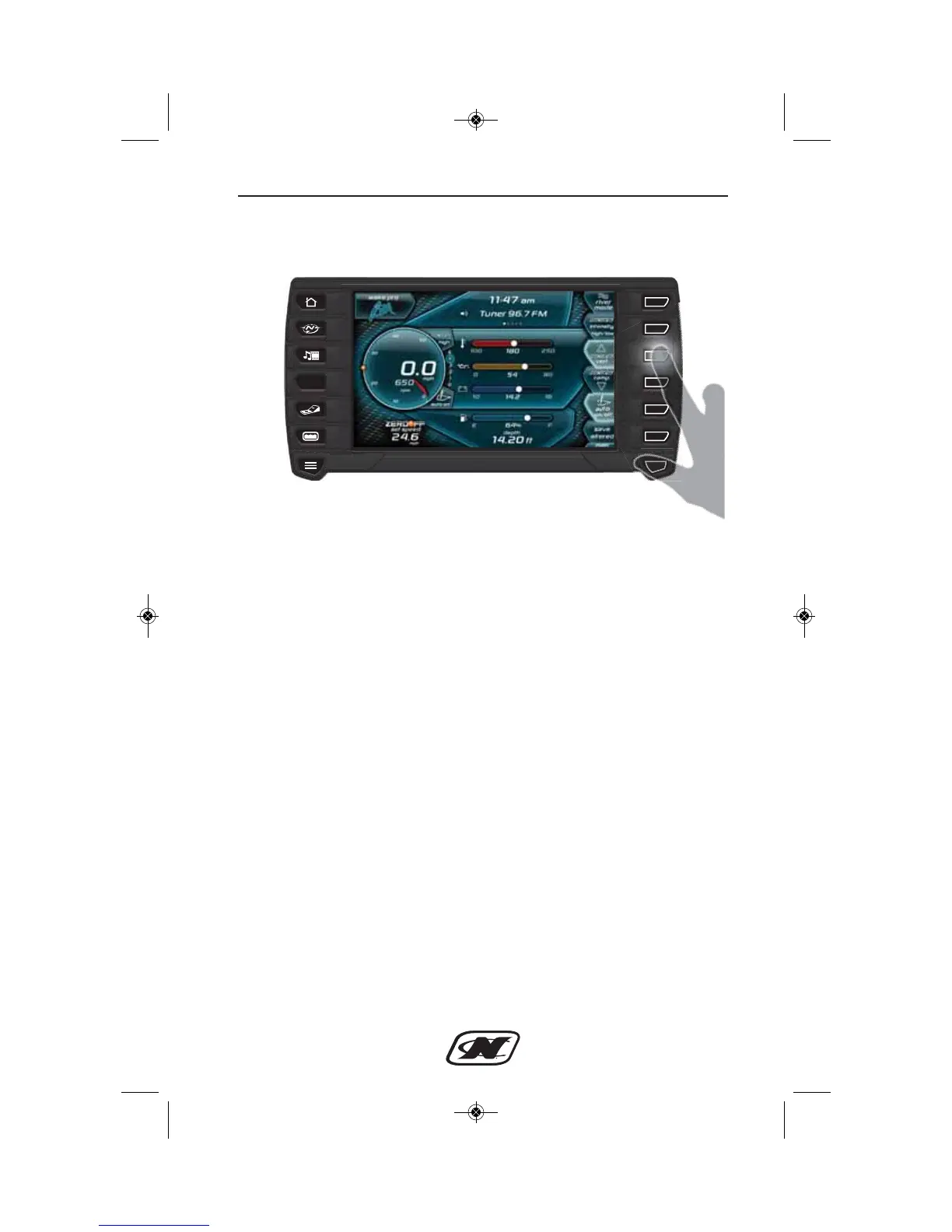
HOME menu for LINC with NCRS
(the second set of soft keys is displayed)
This screen shows the operator increasing the NCRS set point from
3 to 4. The operator can adjust the NCRS set point from 0 to 5 in
order to shape the boat’s wake to his/her Preference. The “0” set
point creates the smallest and most round-shaped wake, and the “5”
set point creates the largest, most vert-shaped wake.
The circular icon to the right of the speedometer will always
highlight the selected NCRS set point. The operator can also
determine the NCRS set point for a user profile in the USER menu.








 To Next Page