3-69
Controls and Indicators
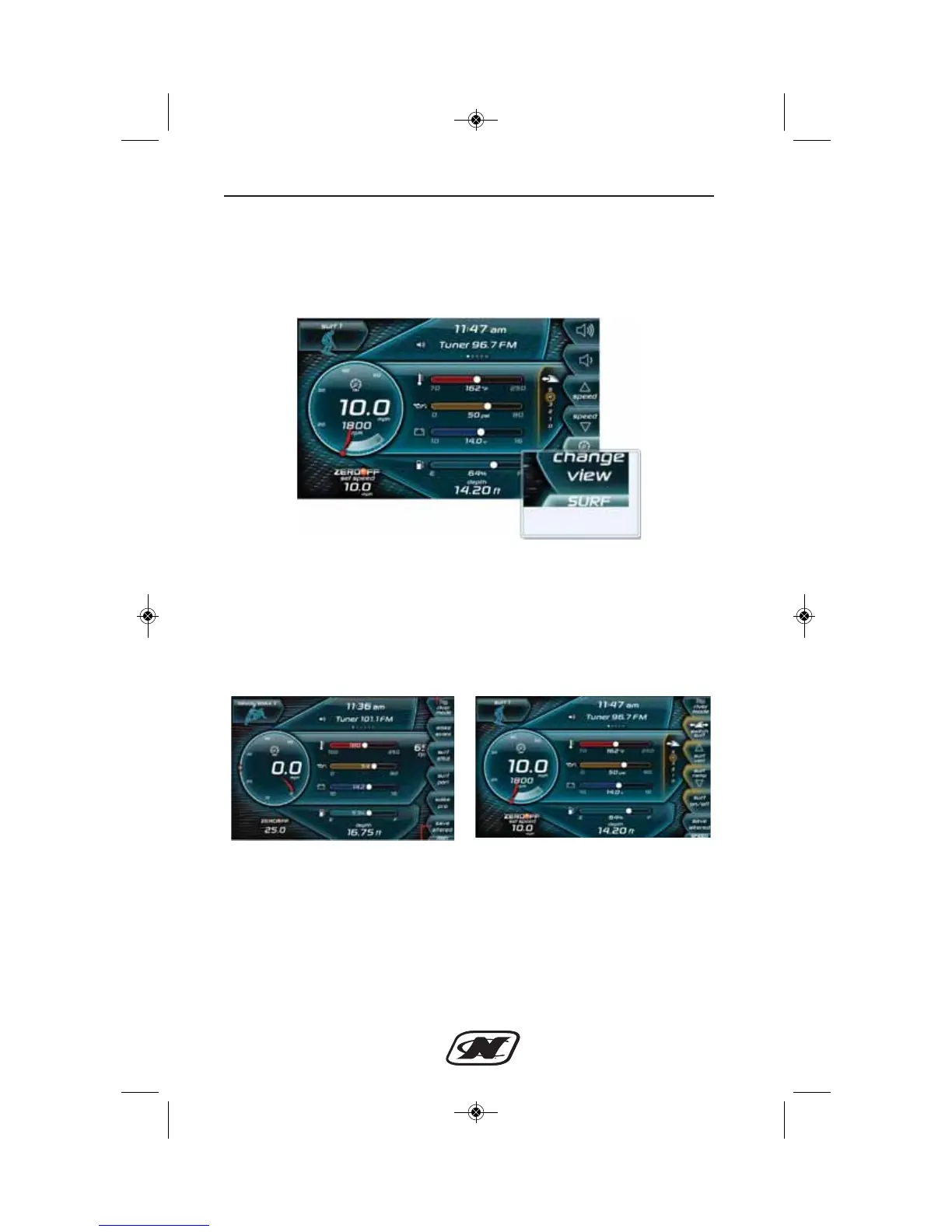
Now that NSS is active, to change the NSS settings you must
navigate to the “surf” page of the LINC display. This can be done
by pressing the last button on the right side of the LINC display
(see Figure 2).
Figure 2: Location of surf button to access the surf page
Once the surf page has been loaded, the controls for the NSS
settings will be visible and can be easily adjusted. Figure 3 displays
the differences between the user page and the surf page which now
populates the user page.
Figure 3: Speed page with NSS Inactive (left), Surf Page with NSS
Active (right)
Also available on the surf page is the “switch surf” button and the
NSS “on/off” button (see NSS soft key guide for details). When the
set speed is moved back above 13 mph the “Surf” button and page
will disappear and the “user” page will again populate this page.








 To Next Page