3-72
Section 3
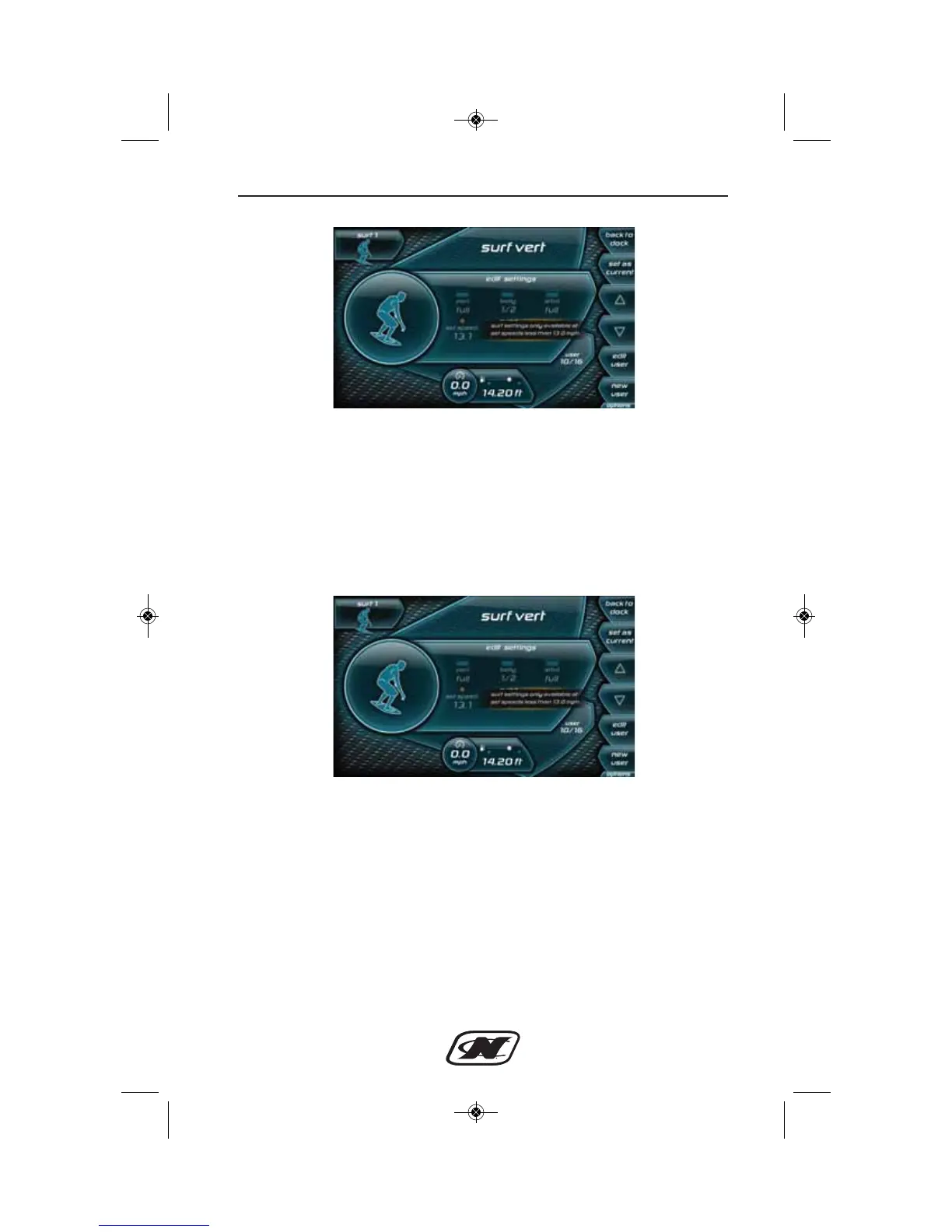
Figure 4: Profile with NSS settings inactive
Once the set speed is moved below 13 mph, two new settings will
become available in the user profile, an NSS setting and a Surf Side
setting. The Surf Side setting refers to the side of the boat the user
would like to start to surf on. As an example, if the arrow points to
the right, then the port side is being set as the side to surf.
Changing and saving these settings will load them when the user
profile is chosen.
Figure 5: User Profile with NSS Settings Active
If at any time the user would like to surf on the side opposite the
side loaded from the user settings, this can be done by pressing the
“switch sides” button. Figure 5 displays a user profile with NSS
settings available.








 To Next Page