COTES C35 OPERATING AND SERVICE HANDBOOK page 41/71
ALARM
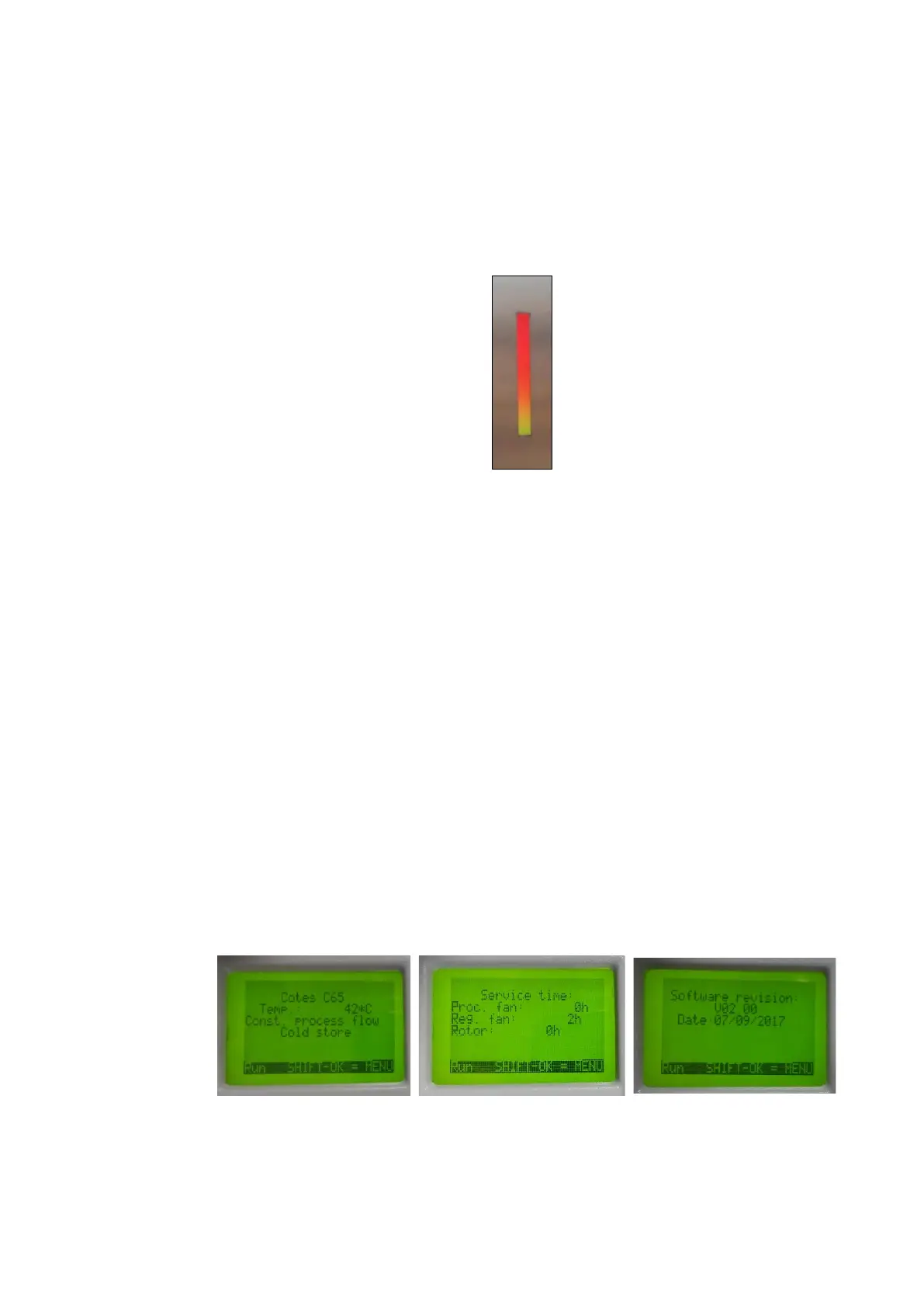
The LED strip in the front of the panel turns red if an alarm occurs.
Detailed information about the causes of alarms is displayed on the HMI display.
All possible alarms are listed in Troubleshooting table on page 55.
EXTERNAL HUMIDITY MANAGEMENT
You can purchase an external humidity hygrostat to manage when the dehumidifier is operating or
not. Contact Cotes or your Cotes dealer for more information.
HMI PANEL
HMI panel is mounted into main PLR module inside electrical cabinet.
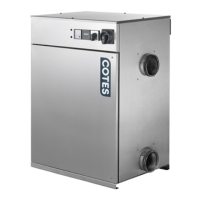
During normal operation, the main screen will be on. name of machine family is showed in first row.
Second row shows current temperature in regeneration air channel. If constant process flow is active
information will show in third row. Machines designed to work in cold environment will have additional
information in forth row indicating it.
Other information can be accessed from the main menu. Basic PLC versions register the hours that
the regeneration air fan, process air fan and rotor have been in operation. These times are shown while
pressing the “OK” button. To access information about software revisions, press the left and right
arrows at the same time, when the dehumidifier unit is not running.


 To Next Page