COTES C35 OPERATING AND SERVICE HANDBOOK page 42/71
CONSTANT PROCESS FLOW FEATURE
Cotes dehumidifiers provide a constant process air flow (CPF) mode. This means the process
fan is always on, regardless of humidity levels.
To activate this constant process air flow mode, you stop the dehumidifier with the start/stop
button on the front panel, then press the “0” and “3” buttons at the same time. To turn off this constant
process air flow mode, press the “0” and “4” buttons at the same time.
DATE/TIME SETTINGS
To change current date or time follow the steps below.
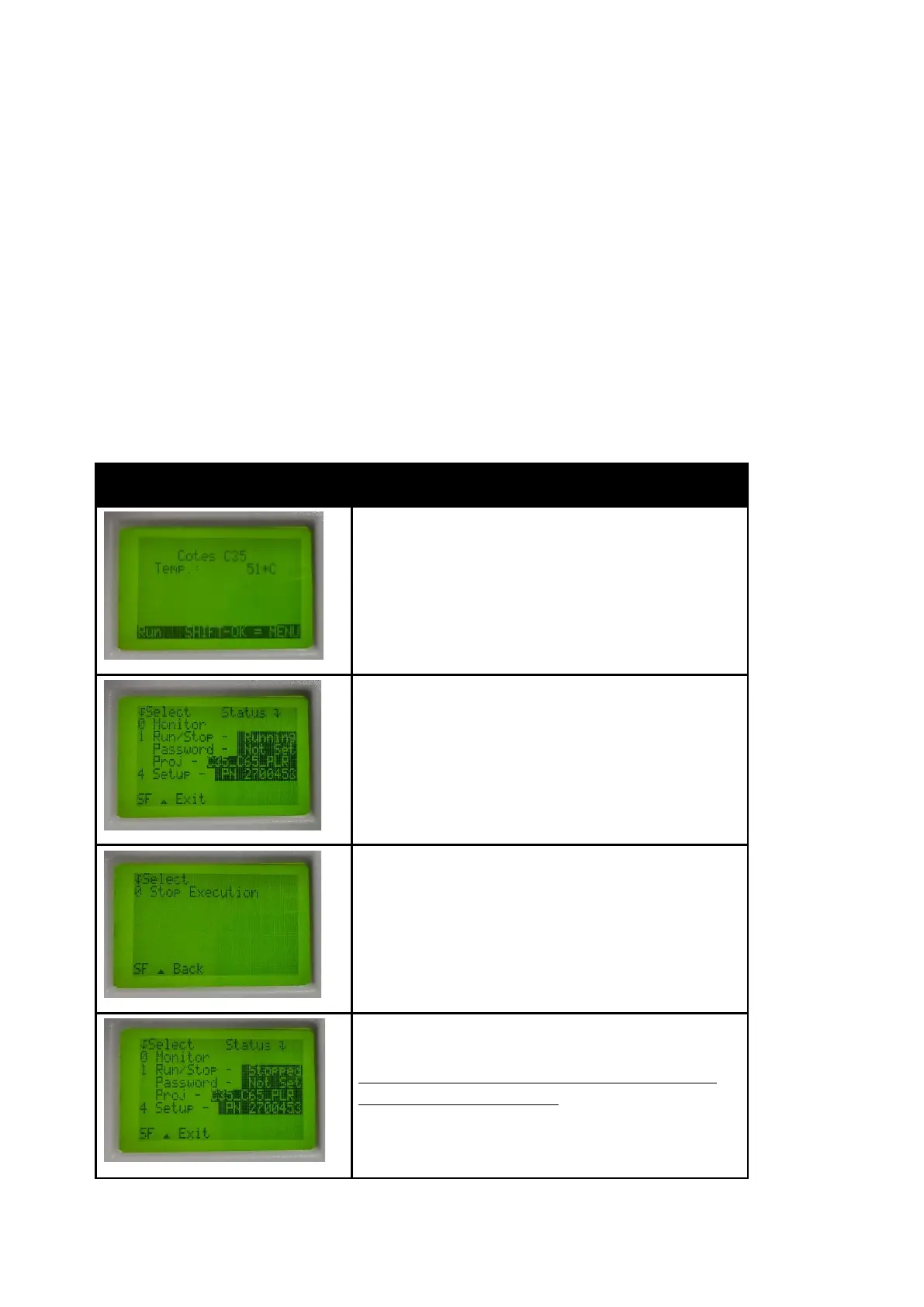
Next step is to switch the controller to stop mode.
To do this, press button “1” on the number keyboard.
The controller should display status as “Stopped”.
Now You can adjust the time/date settings.
If you skip the previous steps, the controller will refuse the
new values in the control menu !
Press “4” to go to setup menu.


 To Next Page