28 February 2017 Operation and Maintenance
CY460_Operational_Manual_405 Page 47 of 218
2.4 Software Field Upgrade
This upgrade procedure applies to CY460 SPG systems where an Ethernet connection is installed. It
outlines the steps necessary to upgrade the software programmed on the main module.
Before starting, ensure that you comply with the following requirements:
Connect the CY460 SPG via an Ethernet cable to your local network;
A PC, also connected via Ethernet to your local network, with the supplied update program(s)
and associated data file(s) available – ideally, the data file(s) should be located in the same
folder as the associated update program(s);
A power-cycle could be required as part of the data file update – ensure that the unit is not in
service during the update process.
There are four different files that can be uploaded to the CY460 SPG. Each is loaded at a
specific memory address included as part of the filename:
Bootware
At present, the Bootware file can only be uploaded at the factory.
Patfile (the Pattern Files for the CY460 SPG)
Can be uploaded while the CY460 SPG is in operation. When complete, a
power re-boot is required.
Xilfile (the FPGA file)
Can be uploaded while the CY460 SPG is in operation. When complete, a
power re-boot is required.
ArmFile (the CY460 SPG Software)
Requires that the CY460 SPG is in Bootloader mode. A power re-boot is
required to start the process, and when complete, a further power re-boot is
required.
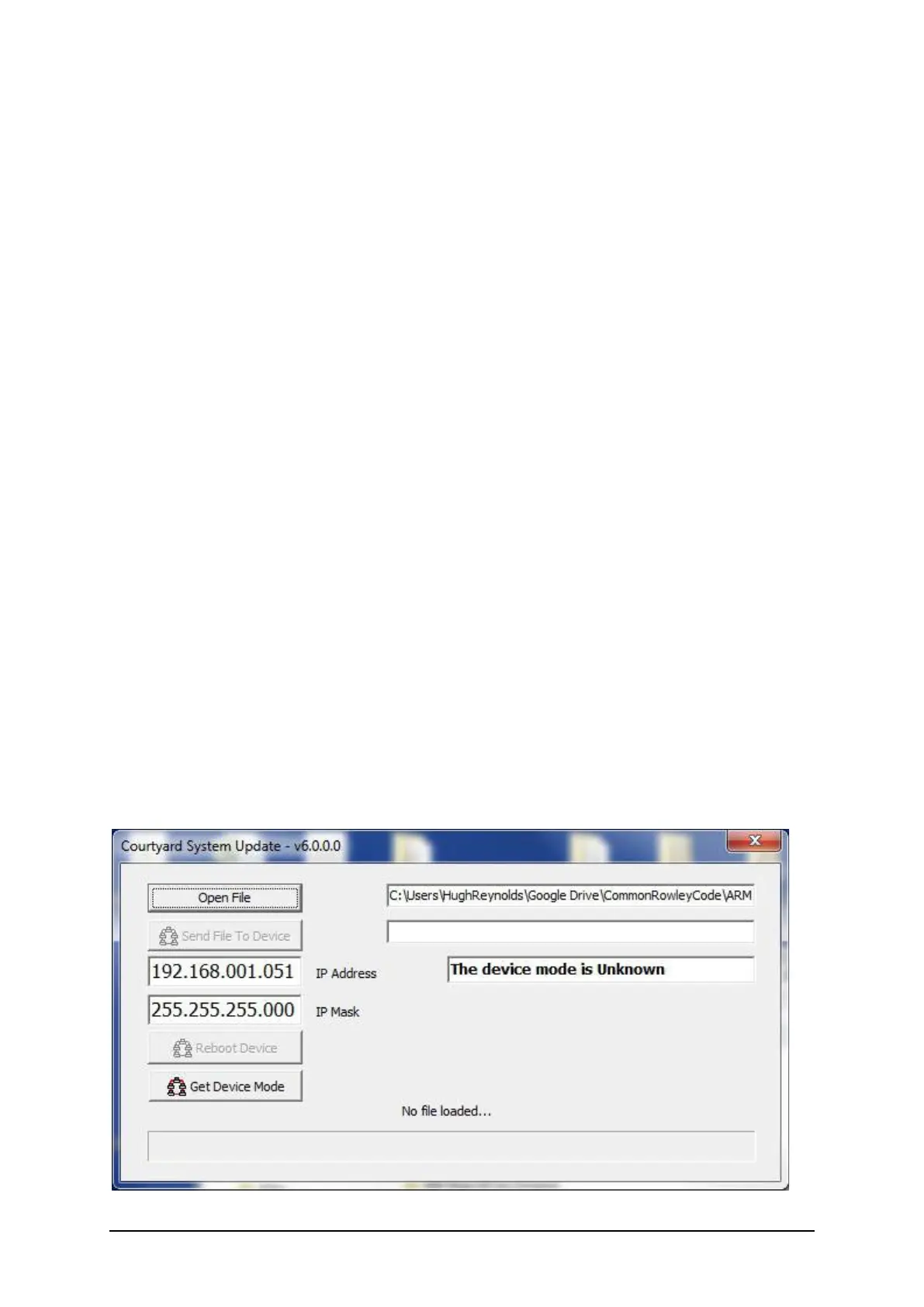
Screen-shot of the “CourtyardSystemUpdate_v6.0.0.0.exe” program.


 To Next Page