Press the ▲ or ▼ buttons to enter the PHOTO
BURST option: To set this function, press the
►repeatedly to show the 1 Photo, 2 Photos, or 3
Photos option. Press OK to save the desired setting.
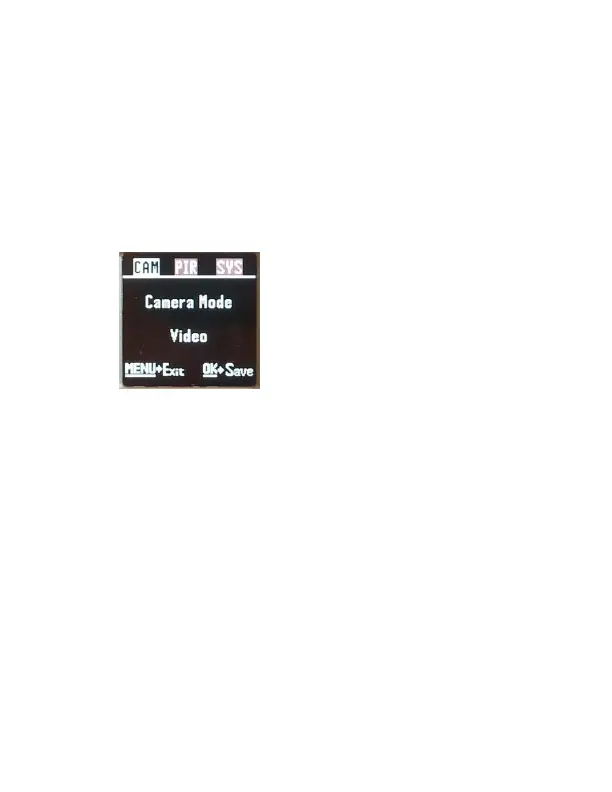
Video mode settings: (Figure 5).
VIDEO SIZE: You can choose from 720P (1280x720),
VGA (640x480) or WVGA (800x480).
Press the ► button to toggle between the 2
options. Press OK to save the setting.
VIDEO LENGTH: You can adjust the length of time
the camera takes a video from 5-60 seconds. Press
the ▼ button to enter the VIDEO LENGTH option.
Press the ◄ or ► buttons repeatedly to change the
number of seconds shown in the white box. Long
videos fill the SD card up quickly.



 To Next Page