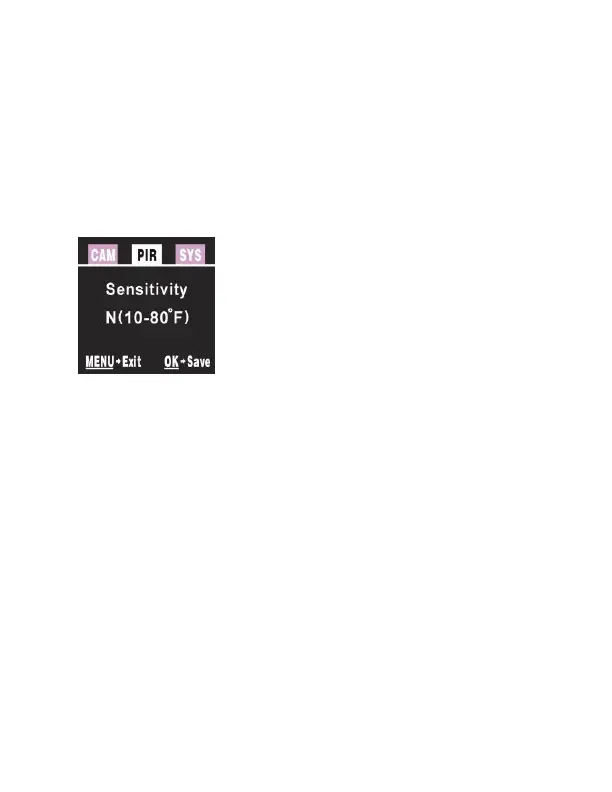
PIR tab:
Press the ▲ or ▼ buttons repeatedly until only the
top tab menu is highlighted in white. Press the ►
or ◄ button to highlight the PIR tab in white.
Screen should appear like Figure 6.
SENSITIVITY: There may be situations where you
might feel the camera is not catching animals that
are nearby or maybe the camera is triggering too
easily. You can adjust the sensitivity of your camera
to help with this. Under most conditions, the
NORMAL option will work the best. In high
temperatures, the HIGH setting might help
differentiate between the outside temps and the
body temps of the animal. In cold conditions, you
may find that the LOW option is best as the camera
can easily differentiate the outside temps from the
body temps of the subject. If you are using the time



 To Next Page