Customizing the camera settings
Your camera is set to function with the default
settings without any further customization.
However, you will likely want to at least set the
clock and date. The following information will help
you customize your camera settings so you can get
the most out of the trail camera experience.
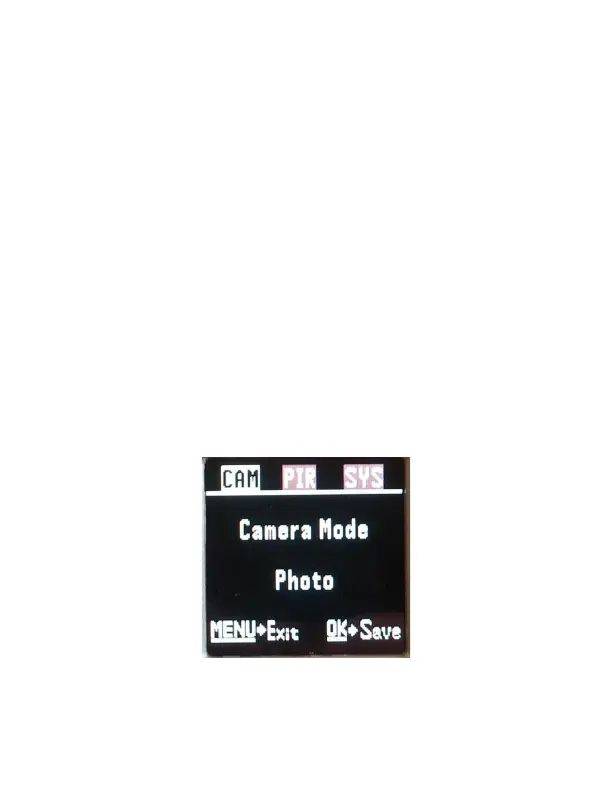
To start, Press the MENU button once to open the
customization menus. We will start with the CAM
system tab. You will see CAM, PIR, and SYS tabs
across the top of the screen. CAM should be
highlighted in white. (Figure 4).



 To Next Page