have the start-stop times set, press OK to save the
settings.
SYS tab
The SYS tab controls all the internal system
information such as Setting the clock, Time stamp,
Password, Over Write, and Format. (Fig. 9)
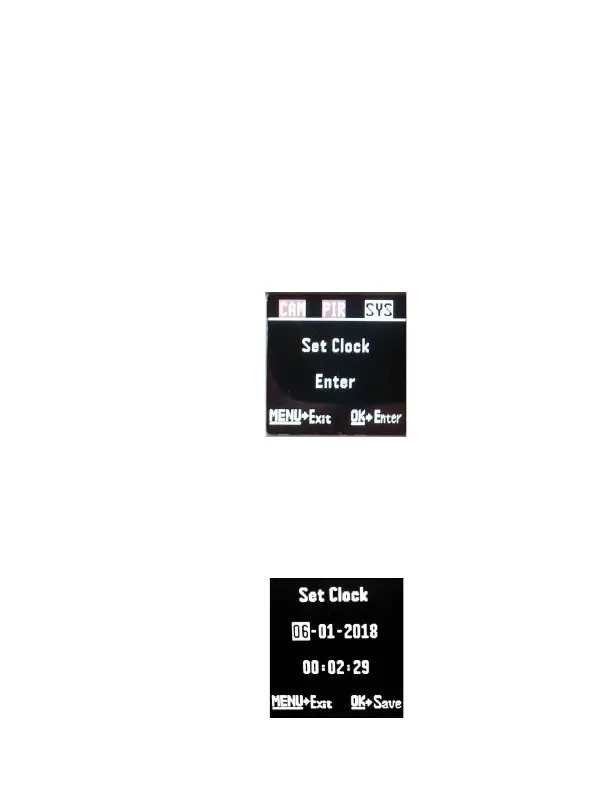
SETTING THE CLOCK: Scroll over to the SYS tab
using the ►◄ buttons and then press the ▼
button to enter the Set Clock option. Press OK.
You will see the following screen. (Fig 10).



 To Next Page