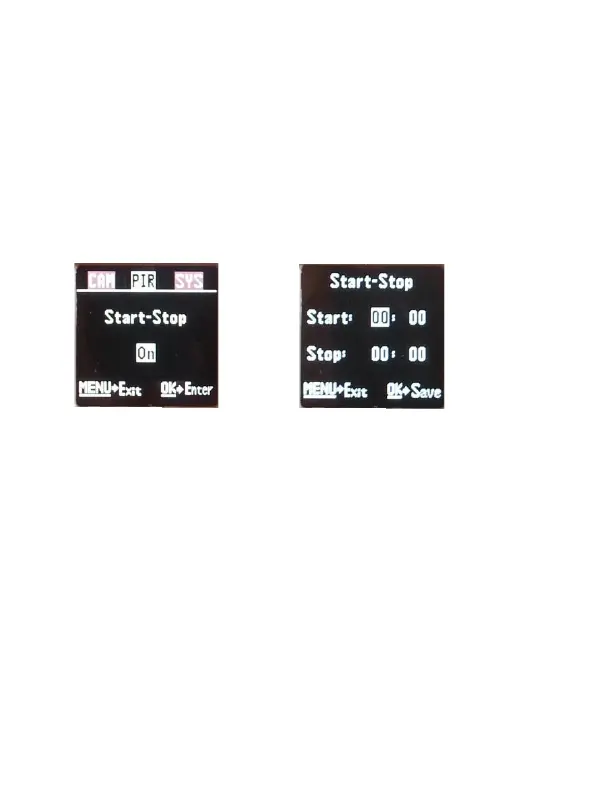
START-STOP: If you only want your camera to be
on during part of the day each day you can set the
Start-Stop function. Press the ▲ or ▼ buttons to
enter the Start-Stop option. The default setting is
OFF. Press the ► button to toggle the setting to
ON and press OK. See Fig 7 & 8 below.
Once you press OK you will see the screen in Fig. 9.
Use the ▲▼ buttons to set the time in hours
(military time) and press the ► button to change to
minutes and use the ▲▼ to set the minutes.
Press the ► button to navigate to the Stop settings
and repeat the process from above to set the Stop
time. You can press the ►◄ buttons to navigate
back through the settings if necessary. Once you



 To Next Page