settings to the original factory default settings you
will choose this option. Press the ▼ button to
enter the Default Set option. Press OK. Make sure
100% that you want to re-set all the settings to
factory default as you will have to start over with
the process in re-entering all the settings.
Viewing photos on the color display:
You can view your photos on the color display when
in the field. If you want to do this, make sure the
Selector switch is set to SETUP. Press the OK
button. You can use the ▲ and ▼ buttons to
toggle through the photos. If you see photos you
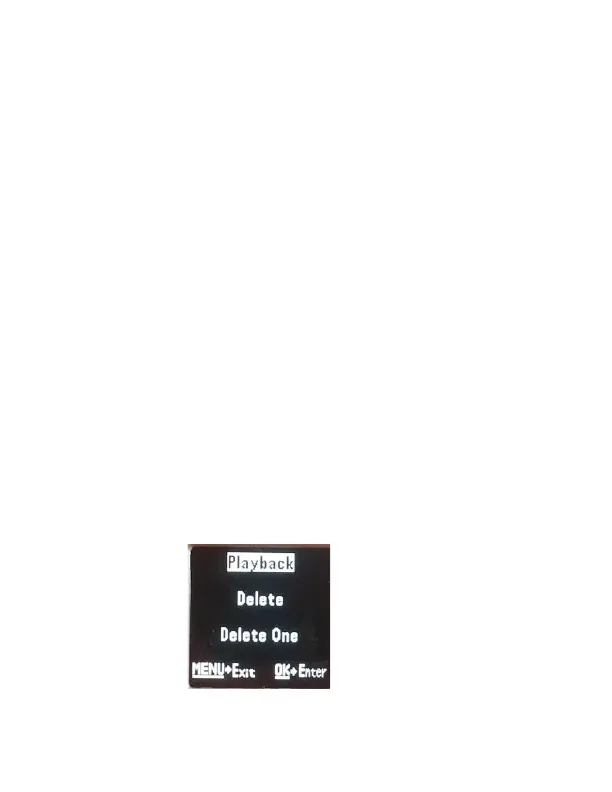
want to delete, show the image on the screen and
press the MENU button. You will get a screen that
looks like Figure 12 below.



 To Next Page