PLAYBACK: The Playback option plays the videos on
the SD card.
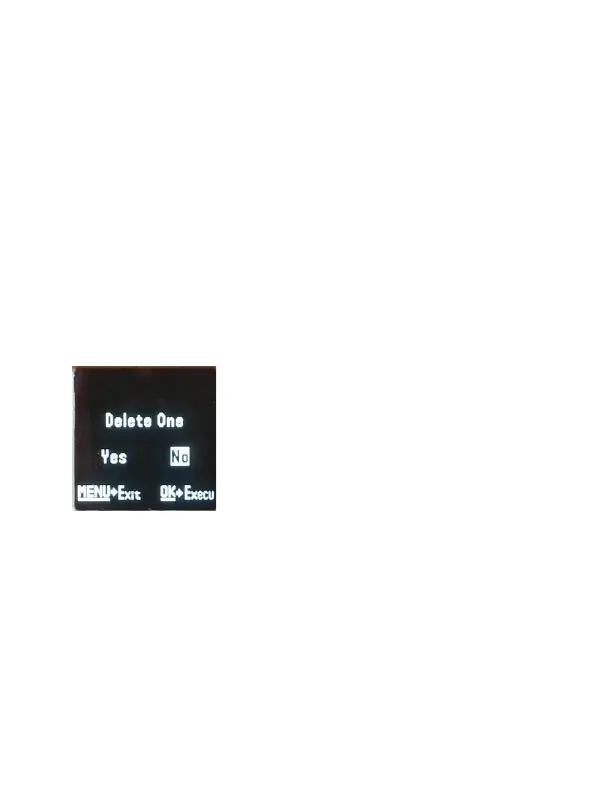
DELETE ONE: This option deletes the photos that
are showing. Press the ▼ button to highlight the
Delete One option and press OK.
You will see the screen below. Use the ► button to
navigate to YES and press OK. If you do not want to
delete, press the MENU button again and to exit.
(Figure 13).
AUXILIARY POWER: Your camera comes with a
standard 4mm jack Auxiliary power jack. If you
want to hook up an external 6V battery to power
the camera, you can.
MINI USB: Your camera can use a mini USB cable to
hook up to your computer or TV to look at the



 To Next Page