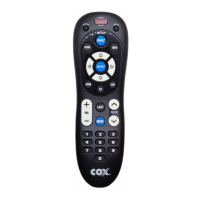
2. Insert 2 AA batteries. Match the + and – marks.
3. Replace battery cover.
Note: The device keys will blink 5 times with each key press when batteries need replacement.
Programming Cable Receiver
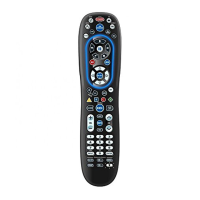
CISCO (Scientific Arlanta): Press and release CABLE, and then HOLD SWAP + A simultaneously until
the Cable key blinks twice, and release both keys.
Motorola: Press and release CABLE, and then HOLD SWAP + B simultaneously until the Cable key
blinks twice, and release both keys.



 To Next Page