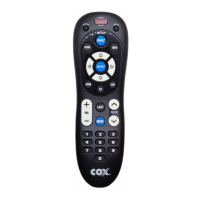
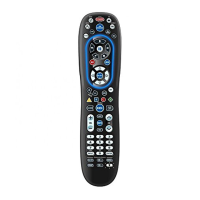
Quick-Start Remote Setup for Popular Brands
1. Turn on the device you wish to program.
2. Find your device and brand from the adjacent list and note the digit key assigned to your brand.
3. NOTE: If the brand of your device is not listed please proceed to setup using Device Code Entry
or Searching for Your Code.
4. Press and HOLD MUTE + SELECT simultaneously until device key blinks twice then release both
keys.
5. Press and release the DEVICE key. DEVICE key LED stays on.
6. While aiming the remote at your device press and hold in the DIGIT key for your brand.
7. When the device turns off, release the DIGIT key and the code will be automatically saved.
Popular Brands by Device



 To Next Page