16
USING MASTER POWER
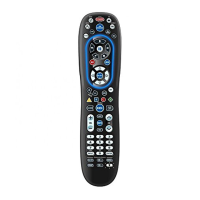
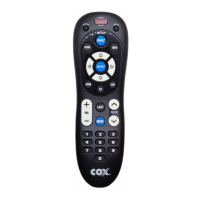
The Cox Universal Remote Control is equipped with a
unique feature that allows you to sequentially turn all
home entertainment devices on or off with a single key.
To execute the master power control:
1. Press and hold MASTER POWER for 1.5 seconds.
This will start the power macro sequence.
2. Keep the remote pointed at your devices until
all have turned on or offf.
NOTE: MASTER POWER is preprogrammed to turn your
home entertainment devices on/off.
PROGRAMMING MASTER POWER
MASTER POWER Macro Setup
The steps below let you customize the sequence in
which your devices turn on or off when you use the
MASTER POWER key feature:
1. Press and hold the SETUP key until the LED
blinks twice.
2. Enter 9 - 9 - 5. The LED will blink twice
again.
3. Press the POWER key.
4. Press the device keys (AUX, DVD and/or TV) in
the sequence in which you want them to
power up or down.
NOTE: The last mode selected should always be CABLE
5. Press and hold the SETUP key again until the
LED blinks twice.
Clear MASTER POWER Macro Setup
To clear the MASTER POWER macro programming:
1. Press and hold the SETUP key until the LED
blinks twice.
2. Enter 9 - 9 - 5. The LED will blink twice.
3. Press the POWER key.
4. Press and hold the SETUP key again until the
LED blinks twice.



 To Next Page