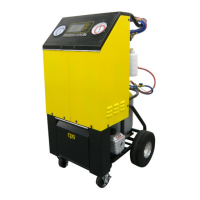
OPERATING INSTRUCTIONS FOR THE FA1000
16
REFILL MODE:
The REFILL mode would be chosen to add refrigerant to the tank for the rst time or add more refrigerant to the recovery tank.
This operation can be run pushing the
TANK REFILL
key from the
Main Menu
or may be prompted when insucient refrigerant exists when in
CHARGE
or
FULL CYCLE
modes. It’s recommended to use a refrigerant identier on the virgin supply tank to guard against counterfeit
refrigerants.
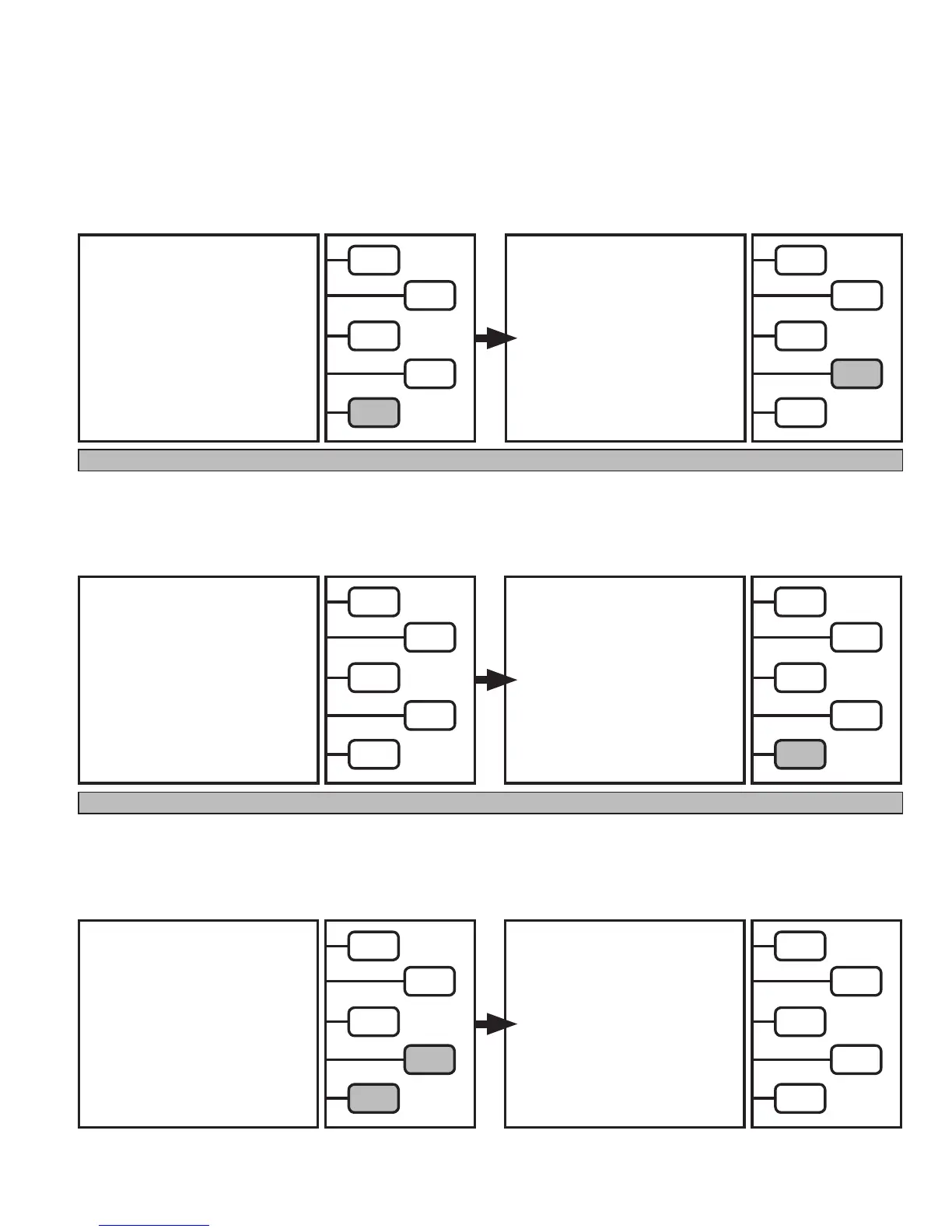
SELECT MODE
RECOVER >
EVACUATE >
CHARGE >
FULL CYCLE >
TANK REFILL >
The LCD will now read:
Connect the High Side service hose to a virgin supply
tank. Push the
START
key.
From the
MAIN MENU,
Push the
TANK REFILL
key.
CONNECT HIGH SIDE SERVICE
HOSE
TO NEW R-134a TANK.
OPEN VALVE ON TANK AND TURN
IT UPSIDE DOWN.
START >
QUIT >
Note: To speed up the Rell process, turn the supply tank upside down or make sure the liquid refrigerant is being recovered.
The LCD will now read:
Caution: Do not turn off unit. If stoppage is required, close
the HIGH SIDE COUPLER and all the unit to complete the clear-
ing process.
REFILLING
20.00 LBS
TO GO
UNTIL TANK IS
FULL
QUIT >
COMPLETING
TANK REFILL
PLEASE WAIT
QUIT >
If
REFILLING
amount reached zero, the LCD will
read:
Push the
Quit
Key to return to
MAIN MENU.
The unit will run until: 1. REFILLING amount on LCD reaches zero or 2. Virgin supply tank is pulled into a vacuum
SUPPLY TANK
EMPTY
REPLACE WITH
NEW TANK
RESUME >
QUIT >
If Virgin supply tank is pulled into a vacuum,
the LCD will read:
Either add a new Virgin supply tank and push
RESUME
or
Push the
QUIT
key to return to
MAIN MENU.
SELECT MODE
RECOVER >
EVACUATE >
CHARGE >
FULL CYCLE >
TANK REFILL >
Pushing the
QUIT
key will return to the
MAIN MENU.


 To Next Page