MAINTENANCE MODES: DURING NORMAL OPERATION OF FA1000
FILTER CHANGE:
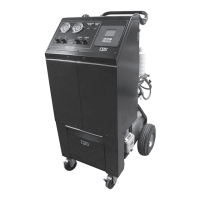
The FA1000 uses a mass ow tracking system on how much recovered refrigerant has passed through the Filter Drier (CPS
p/n ARXF5). Each 41 Cubic Inch Drier can handle 150 lbs. of refrigerant before requiring change. When it is determined that the lter has ex-
ceeded the 150 lbs., the unit locks out (if in SAE mode) the recovery function in both RECOVERY and FULL CYCLE. It is necessary to purchase
a Filter Drier under CPS p/n ARXF5. Each new Filter Drier comes with a unique code to unlock the recover/recycle function. The FA1000 has a
lower tilt drawer design to hold 2 spare lters.
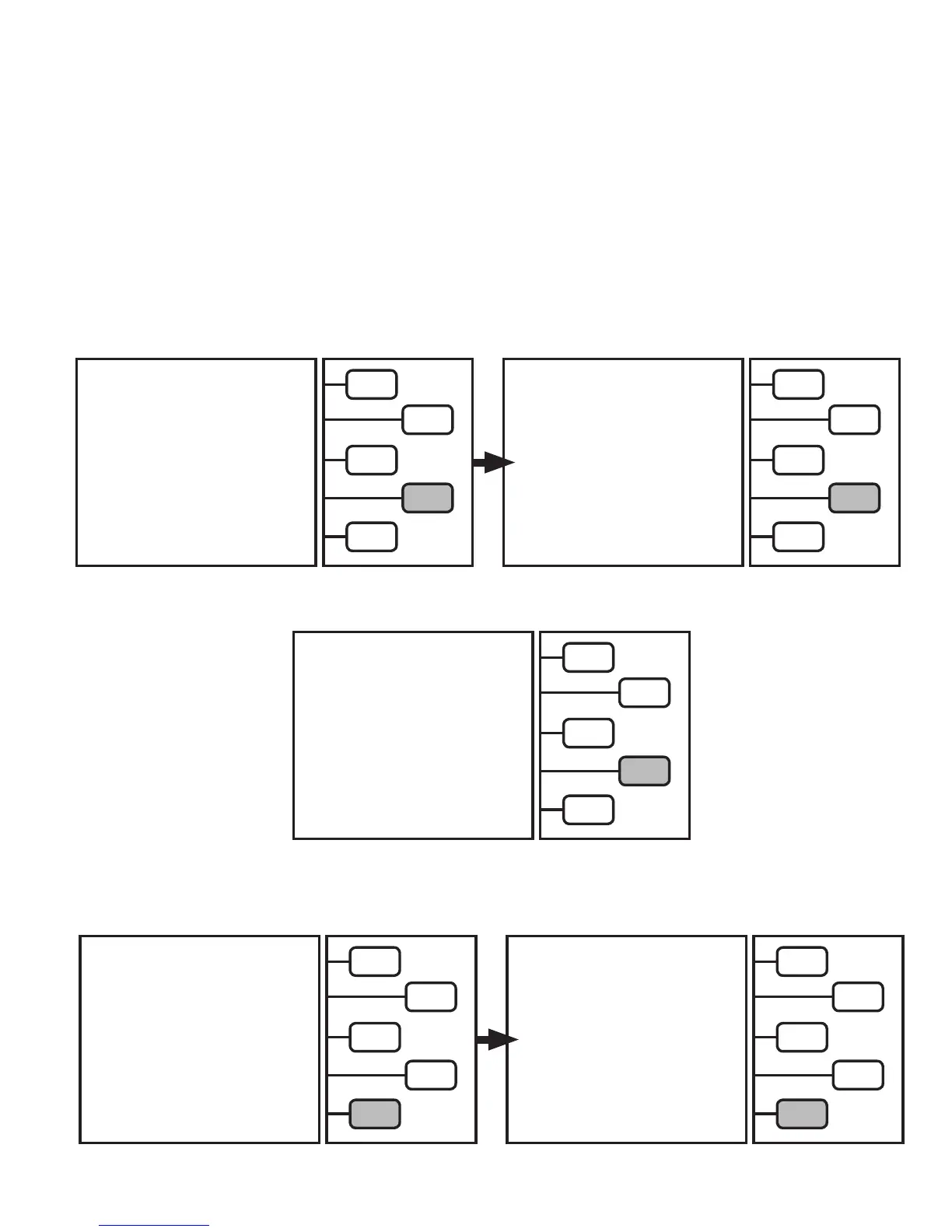
The LCD will now read:
Push the
START
key to begin Filter Change routine.
FILTER CHANGE
DO NOT CONNECT
TO A/C SYSTEM
PUSH [START]
START >
QUIT >
CLOSE LIQUID PORT VALVE ON
RECOVERY TANK
THEN PRESS CONTINUE
CONTINUE >
The LCD will now read:
After closing liquid port tank valve, push
CONTINUE
key.
Hint: To speed up lter cleaning, remove the lter
from the bracket. Hang the lter so the hose coming
from the back of the unit is on the bottom.
FILTER CHANGE
EVACUATING
FILTER
PLEASE WAIT
QUIT >
The LCD will now read:
The evacuation process will take about 2-5
minutes.
The unit will run until a lter has been evacuated.
When choosing the RECOVER or FULL CYCLE
modes, the unit will remind the user to order a lter when the
FILTER LIFE REMAINING is below 25%.
The following is an example of the LCD when Filter Life
is less than 25%: Push the
CONTINE
key to proceed to lter
change.
When the Filter Life reaches 0%, the following LCD screen will
come up. Push the CHANGE FILTER key to begin lter change
procedure.
Note: pushing QUIT key at this time will return the unit to
the Main Menu. While in the SAE mode, all functions except
RECOVER and FULL CYCLE are active. To unlock RECOVER and
FULL CYCLE modes, complete the lter change procedure).
RECOVERY WILL NOT BE ALLOWED
WHEN FILTER LIFE EXCEEDED
ORDER P/N ARXF5
FILTER LIFE
REMAINING 20%
FILTER CHANGE >
CONTINUE >
FILTER LIFE EXCEEDED.
RECOVERY NOT ALLOWED
REPLACE FILTER
WITH CPS P/N
ARXF5
CHANGE FILTER >
QUIT >
17
MAINTENANCE


 To Next Page