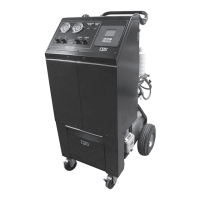
OPERATING INSTRUCTIONS FOR THE FA1000
7
IMPORTANT: BEFORE USING THIS START UP GUIDE IT IS HIGHLY RECOMMENDED THAT THE USER COMPLETELY READ AND
UNDERSTAND THIS ENTIRE MANUAL. FAILURE TO OPERATE AS SPECIFIED COULD RESULT IN DAMAGE TO THE UNIT, WHICH COULD ALSO
LEAD TO LOSS OF WARRANTY.
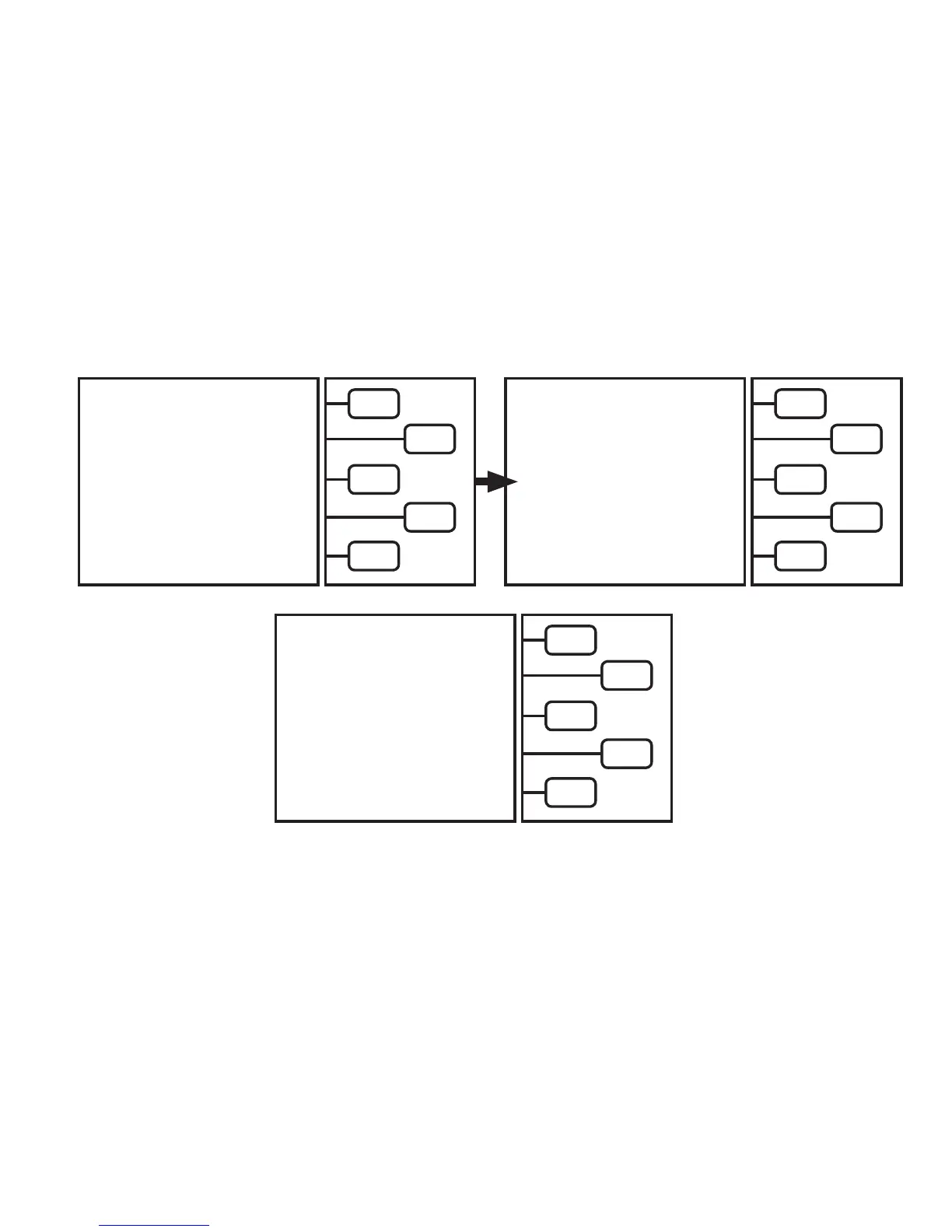
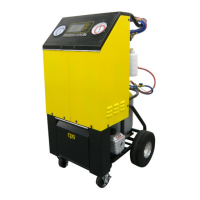
The FA1000 is a microprocessor driven unit. The operating instructions are contained on the LCD. Simply choose the
desired function of the unit and follow the directions on the LCD. The following are the basic instructions on safely
operating each function of this unit.
Operating Instructions
Open all Storage Tank Valves. Make sure both Oil Injection (if equipped) and Oil Drain bottle assemblies are tight. Make sure the Oil Injection
(if equipped) valve is in the OFF position. Push the momentry Power switch to (ON). The unit will run a brief diagnostic routine.
LCD will read:
RE-Zeroing PT, Please wait.
Once done with PT calibration process, the unit will proceed to the automatic
air purge sequence. This will take up to 3 minutes.
AUTOMATIC AIR PURGE
PLEASE WAIT
The LCD screen should now read:
This is called the
MAIN MENU.
• Connect the refrigerant service hoses to the automobile A/C system to be serviced.
• Open the High and Low side service couplers.
Push the
KEY
for the desired mode.
The different modes are as follows:
1. Recover
2. Evacuation (Vacuum)
3. Charge
4. Full cycle
5. Tank rell
Follow the directions on the LCD for each mode. The following pages will discuss the operation of each mode in detail.
SELECT MODE
RECOVER >
EVACUATE >
CHARGE >
*FULL CYCLE >
TANK REFILL >
RE-ZEROING
P. TRANSDUCER
PLEASE WAIT


 To Next Page