CRADLEPOINT MBR1400 | USER MANUAL – Firmware version 5.0
© 2013 CRADLEPOINT, INC. PLEASE VISIT HTTP://KNOWLEDGEBASE.CRADLEPOINT.COM/ FOR MORE HELP AND RESOURCES PAGE 161
Automatically check for new firmware: (Default: selected) The modem will automatically check for firmware updates by
default.
Modem Connection Mode: Specify how the modem should connect to the network. Not all options are available for all
modems; this will default to Auto if an incompatible mode is selected.
• Auto (all modes): Let the modem decide which network to use.
• Auto 3G (3G or less): Let the modem decide which 2G or 3G network to use. Do not attempt to connect to LTE.
• Force LTE: Connect to LTE only and do not attempt to connect to 3G or WiMAX.
• Force 3G (EVDO, UMTS, HSPA): Connect to 3G network only.
• Force 2G (1xRTT, EDGE, GPRS): Connect to 2G network only.
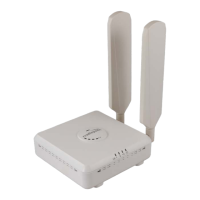
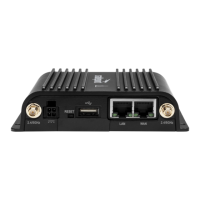
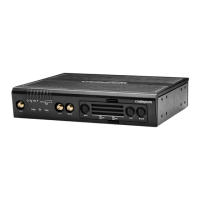
See the following tables for a breakdown of the technologies used with various Cradlepoint ARC models when any
Modem Connection Mode is selected.
CDMA Technology







 To Next Page