18
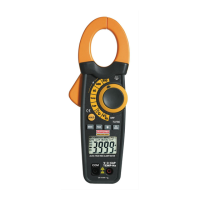
LCD Backlight Button
The LCD is equipped with backlighting for easier viewing,
especially in dimly lit areas. Press the backlight button to turn
the backlight on. Press again to turn the backlight off. Note that
the meter does have an auto power off feature as described
below.
Automatic Power OFF
In order to conserve battery life, the meter will automatically turn
off after approximately 25 minutes. To turn the meter on again,
turn the function switch to the OFF position and then to the
desired function position.




 To Next Page