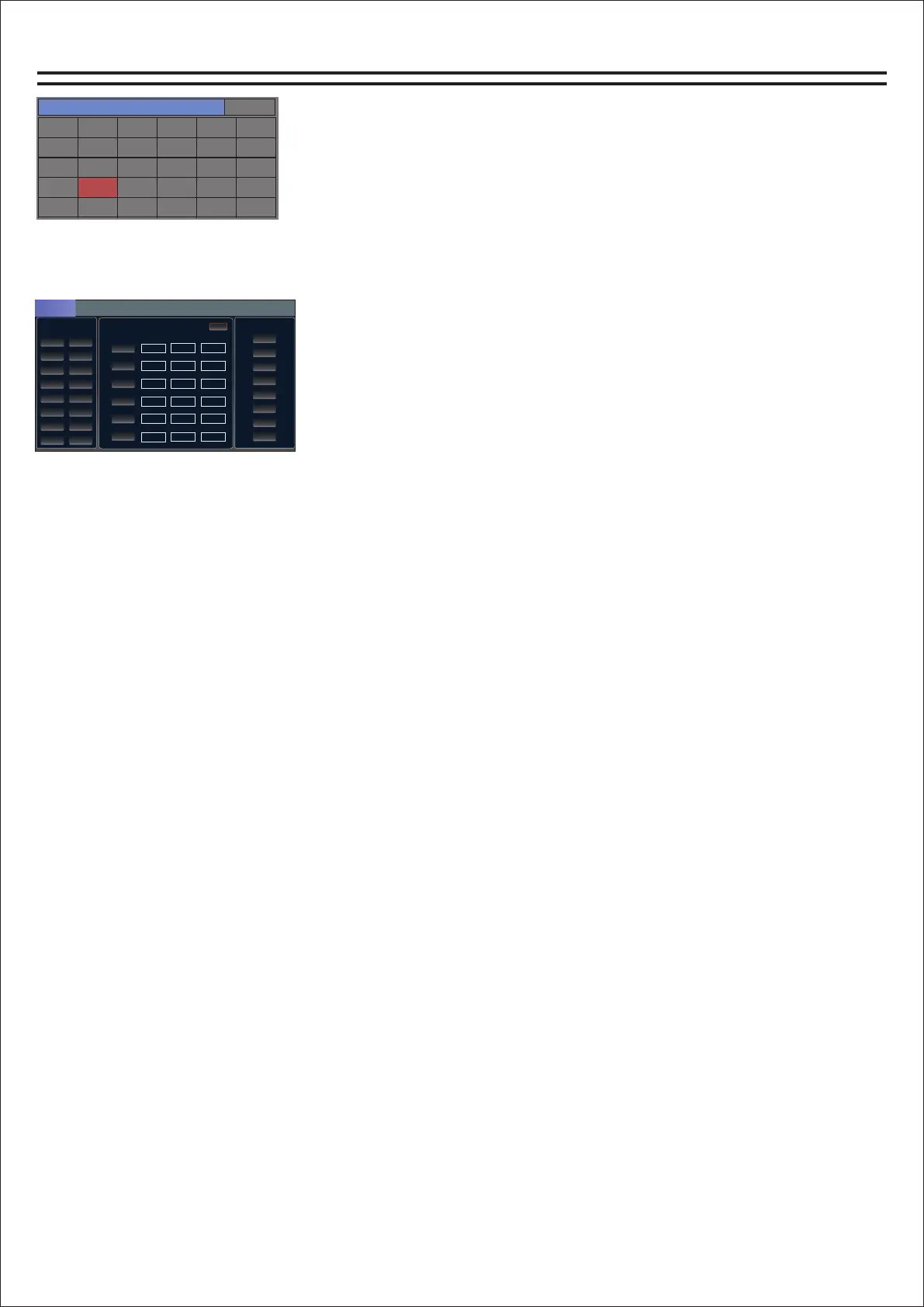
Feedback page
通道选择
系统设置
输入1
输入7
输入13
效果2
输出5
输入2
输入8
输入14
反馈
输出6
输入3
输入9
输入15
输出1
输出7
输入4
输入10
输入16
输出2
输出8
输入5
输入11
数字
输出3
MP3
输入6
输入12
效果1
输出4
模式
How do I get to the feedback page?
1. Find the Home button on the panel and click to open it. The
channel selection page will appear.
2. Find the "Feedback" button and click to enter the feedback.
反馈抑制
音量源
派送
反馈
CH1 CH2
SW
SW
SW
SW
SW
SW
CH3 CH4
CH5 CH6
CH7 CH8
CH11 CH12
CH13 CH14
CH15 CH16
CH9 CH10
OUT1
OUT2
OUT3
OUT4
OUT6
OUT7
OUT8
OUT5
1
2
3
4
5
6
自动
增益(dB ) 频率(Hz )
带宽
-60.00
34
60.0
-60.00
34
60.0
-60.00
34
60.0
-60.00
34
60.0
-60.00
34
60.0
-60.00
34
60.0
Use of feedback suppression:
Feedback can be automatically suppressed or manually suppressed.
Auto-suppression - select the channel that needs feedback suppression, click on
autosuppression to automatically feedback suppression channel signal.
Manual Suppression - Select the channel that needs feedback suppression, click "SW" on one of
1-6 to open it, then select the corresponding gain, frequency and bandwidth, and adjust the
parameters through the multi-function knob to feedback suppress the channel signal.
12


 To Next Page