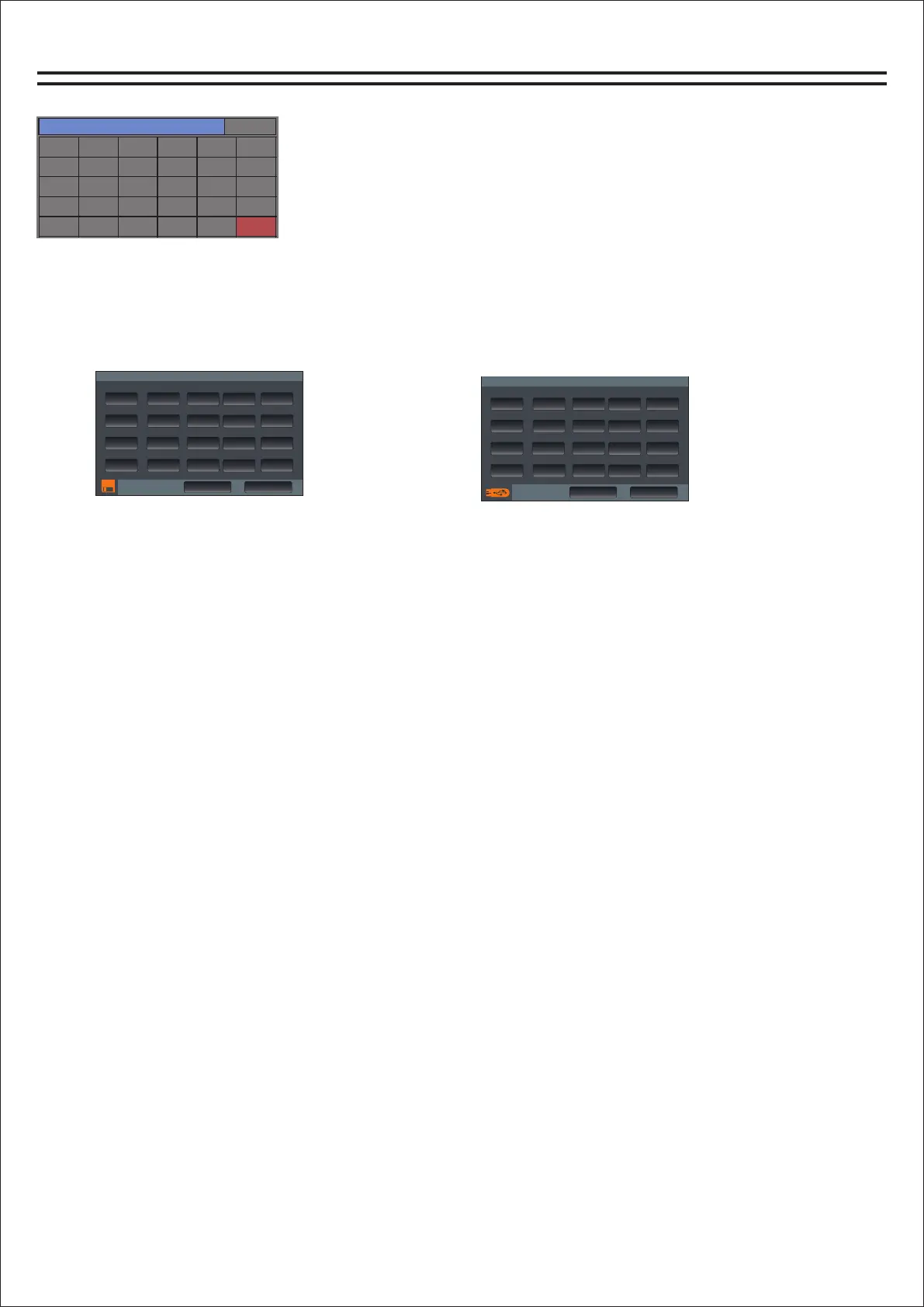
Load/save mode
加载/保存模式
加载/保存模式
本地磁盘
U盘
保存模式
保存模式
加载模式
加载模式
1
1
2
2
3
3
4
4
5
5
6
6
7
7
8
8
9
9
13
13
10
10
14
14
11
11
15
15
12
12
16
16
17
17
18
18
19
19
20
20
How to save user data:
1. Set parameter data such as input, output and effect, and enter the mode page.
2. There are altogether 20 scenes for the user to save. Click the scene number to be saved, and
then press the "Save Mode" button.
How to load user data:
1. Go to the loading/saving page, select the user to be loaded, and then click the "Load Mode"
button.
3. There are four buttons under the "Home" button in the control panel, where you can quickly
call up the first four users of user data, and then press "OK" on the screen to complete the call up
of user data.
User's USB disk data:
1, set the input, output, effect and other parameters, to load and save the page, click the U disk
symbol in the lower left corner to enter the U disk page (orange indicates there is a U disk
Insert).
2, press the save key, write the name after the completion of the virtual keyboard ENTE (Enter
key), and then press the confirm key can be saved to the U disk.
3, insert U disk will automatically identify.Load the user data from the U disk, and the blue area
is to select the current user data. After selecting it, press the Load button, and then you can
confirm it
To load user data to the current channel.
通道选择
系统设置
输入1
输入7
输入13
效果2
输出5
输入2
输入8
输入14
反馈
输出6
输入3
输入9
输入15
输出1
输出7
输入4
输入10
输入16
输出2
输出8
输入5
输入11
数字
输出3
MP3
输入6
输入12
效果1
输出4
模式
Channel selection page
How do I get to the load/save page?
1. Find the Home button on the panel and click to open it. The
channel selection page will appear.
2. Find the "Mode" button and click it to enter the
loading/saving page.
Local page
U disk page
15


 To Next Page