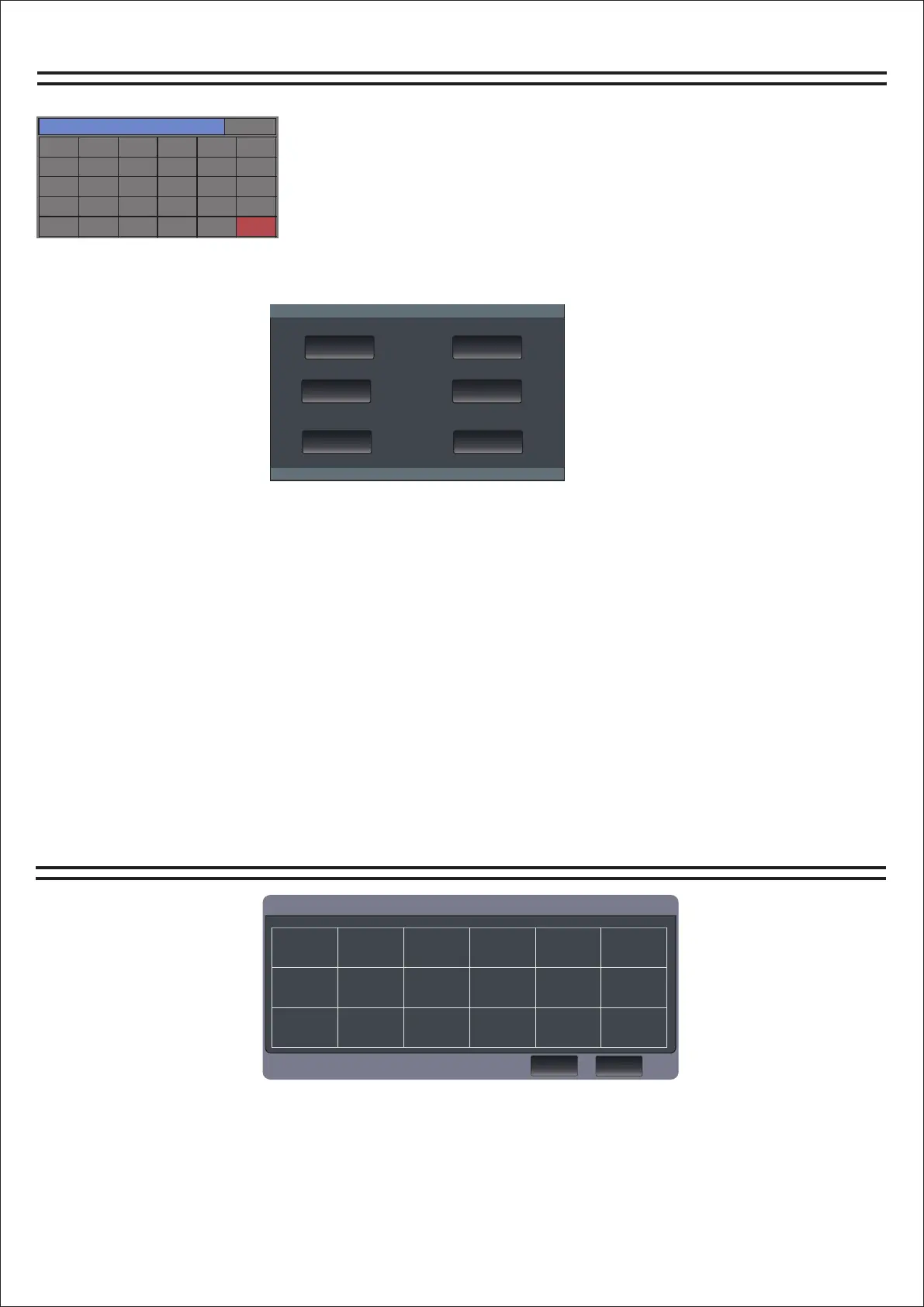
Load/save mode
系统设置
通道选择
系统设置
输入1
输入7
输入13
效果2
输出5
输入2
输入8
输入14
反馈
输出6
输入3
输入9
输入15
输出1
输出7
输入4
输入10
输入16
输出2
输出8
输入5
输入11
数字
输出3
MP3
输入6
输入12
效果1
输出4
模式
Channel selection page
How do I get to the load/save page?
1. Find the Home button on the panel and click to open it. The
channel selection page will appear.
2. Find the "Mode" button and click it to enter the
loading/saving page.
Network(网络) Language(语言)
Automix
(自动 混音)
FactoryReset
(恢复 出厂 设置)
About
(关于 本机)
SoftwareUpdaye
(软件 更新)
16-8-2.3.9
1. Network: You can change the network IP address here.
2. Language: Here to modify the language, the machine supports Chinese language and English
language.
3, automatic mixing: in the case of multiple microphone, the use of the function to change the
microphone volume can be saved consistent.
4. Restore factory Settings: one key can be pressed to restore the machine parameters to the original
factory Settings.
5, about the machine: here you can view the machine model, kernel version number, application version
number, serial number of information.
6. Update: Software can be updated here.
Download the update software to the USB flash drive, then plug the USB flash drive into the mixer, click
the button to open the update, it will automatically recognize that the software will automatically
update, you need to wait.
16
Channel replication page
通道1复制到
通道1
通道9
通道15
通道2
通道10
通道16
通道3
通道11
通道4
通道12
通道5 通道6
通道7
通道13
通道8
通道14
1. Set parameter data such as input, output and effect in the current channel, and then click open "Copy
to" area in the input or output channel to enter the copy page.
取消
复制


 To Previous Page