28
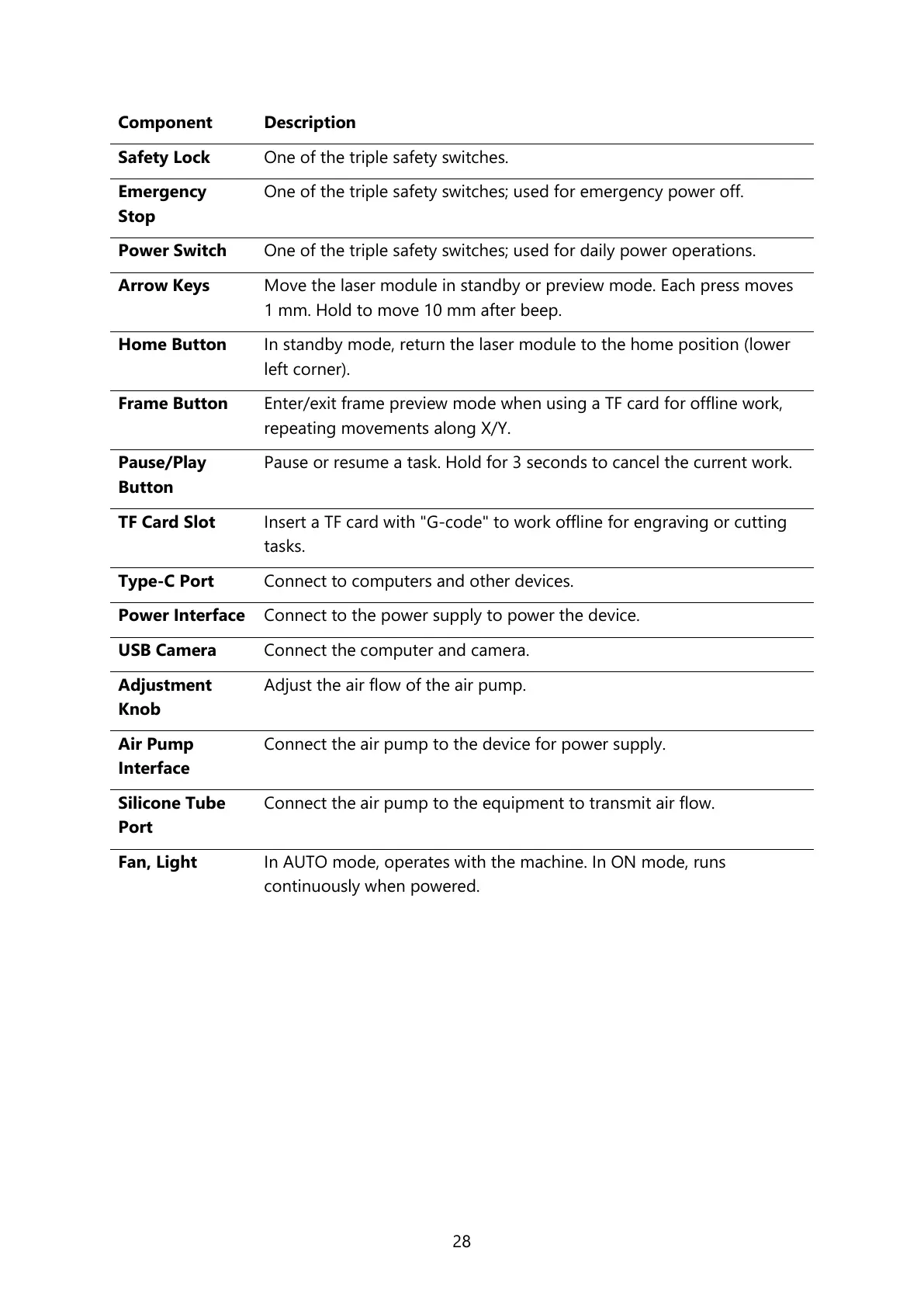
One of the triple safety switches.
One of the triple safety switches; used for emergency power off.
One of the triple safety switches; used for daily power operations.
Move the laser module in standby or preview mode. Each press moves
1 mm. Hold to move 10 mm after beep.
In standby mode, return the laser module to the home position (lower
left corner).
Enter/exit frame preview mode when using a TF card for offline work,
repeating movements along X/Y.
Pause or resume a task. Hold for 3 seconds to cancel the current work.
Insert a TF card with "G-code" to work offline for engraving or cutting
tasks.
Connect to computers and other devices.
Connect to the power supply to power the device.
Connect the computer and camera.
Adjust the air flow of the air pump.
Connect the air pump to the device for power supply.
Connect the air pump to the equipment to transmit air flow.
In AUTO mode, operates with the machine. In ON mode, runs
continuously when powered.



 To Next Page