Unload/Change Filament
1. Enter "Filament" menu ->"Unload filament", and select the head you
want unload.
2. Wait for the nozzle heated to a suitable temperature.
3. After reching temperature, feeder will send a certain number of filament,
and then automatically withdraw filament.
4. To manually unload filament, same as above mentioned.
Preheat head
Pull out filament
Unload filament menu
Printer Operation
Printer Operation
Load Filament
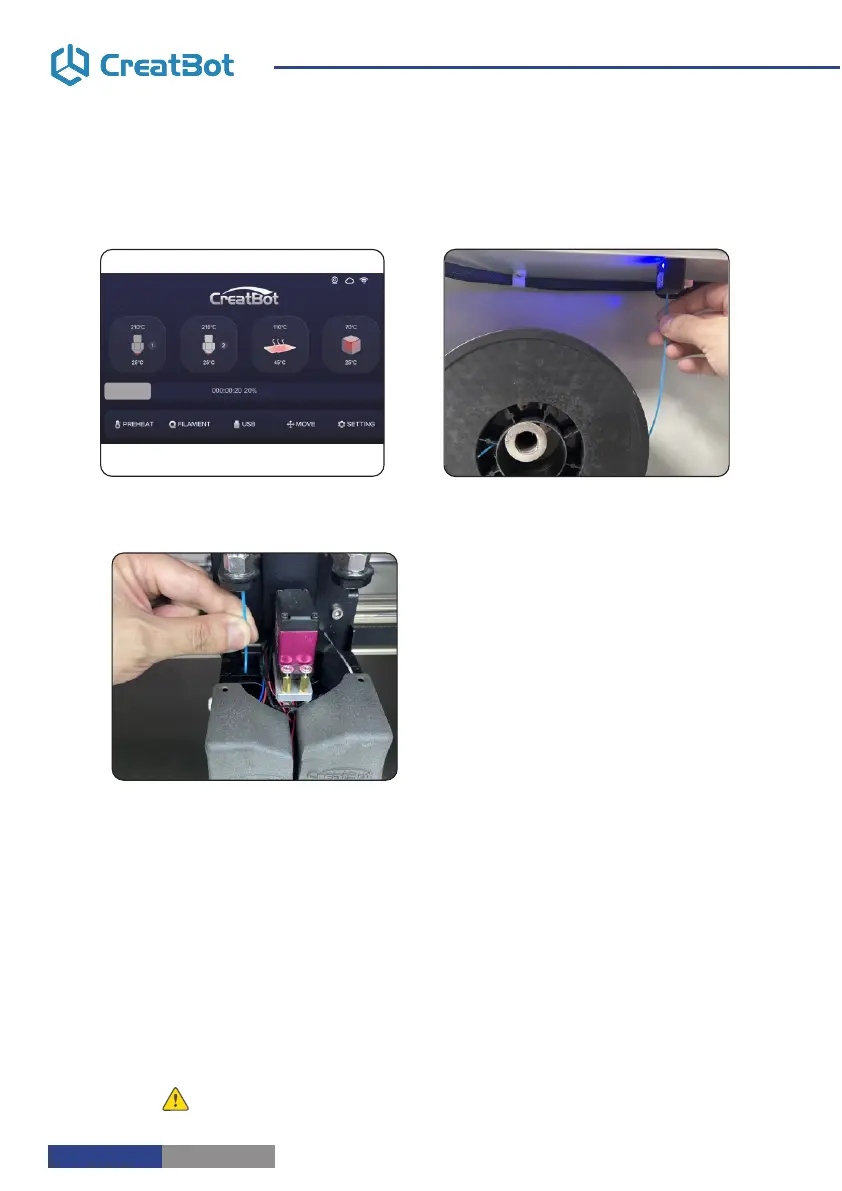
Preheat head
Straightened filament
1.Preheat the hotend before loading filament.
2.Straightened filament and check the filament do not self-winding.
3.Thread the filament through the filament detection device and manually load the
filament until it exits the feed tube above the extruder.
4.Insert the filament into the gear of the extruder and click Load. Untill the filament
come out from the nozzle.
5. Click Done.
Notice: Pressed filament too tight or too loose will affect normal wire feeding.
Load filament
- 8 -
- 9 -



 To Next Page