2-4 Installing Software in Windows 95/98
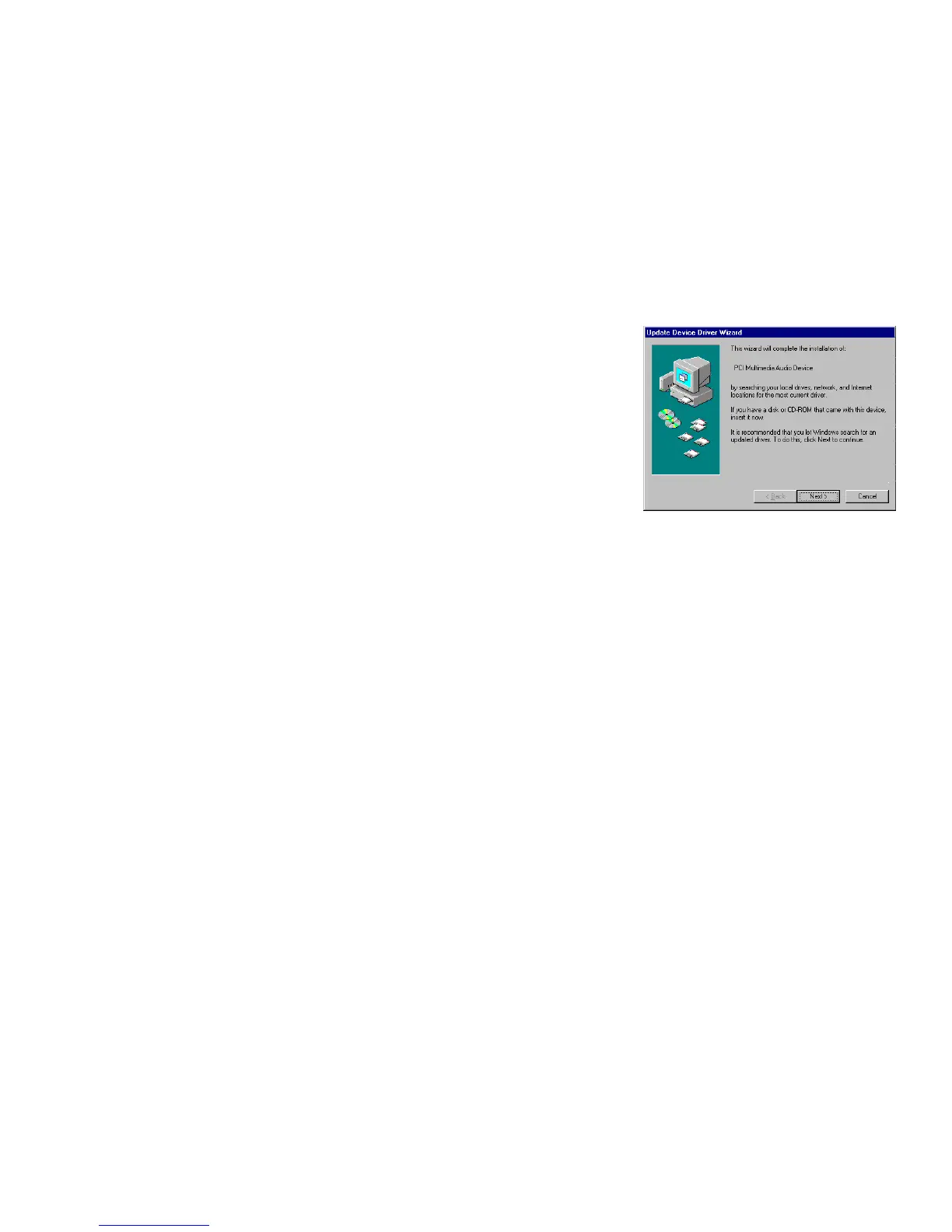
❑ If a dialog box similar to Figure 2-5 appears, click
the Next button, and follow the instructions on the
screen to complete the installation of the driver.
❑ If a Version Conflict message box appears about
VJOYD.VXD
and
MSJSTICK.DRV
, click the Yes
button to keep the files.
Installing the
Applications
1. If your installation disc is already in your CD-ROM drive, eject the disc and insert it again.
The disc supports Windows AutoPlay mode and starts running automatically. If not, see
“Problems Installing Software” on page D-1.
2. Follow the instructions on the screen to complete the installation.
Using Sound Blaster
Live!
Congratulations! You have successfully installed Sound Blaster Live! For more information on
how you can get the most out of your audio card, refer to Chapter 4, “Using Sound Blaster
Live!” .
Figure 2-5: Update Device Driver Wizard
dialog box at start of installation


 To Next Page