4-12 Using Sound Blaster Live!
Wave Studio
Wave Studio allows you to perform the following sound editing functions easily:
❑ Play, edit, and record 8-bit (tape quality) and 16-bit (CD quality) Wave data. Enhance your
Wave data or create unique sounds with various special effects and editing operations such as
rap, reverse, echo, mute, pan, cut, copy, and paste.
❑ Open and edit several Wave files at the same time.
❑ Import and export raw (.RAW) data files.
See its online help for details.
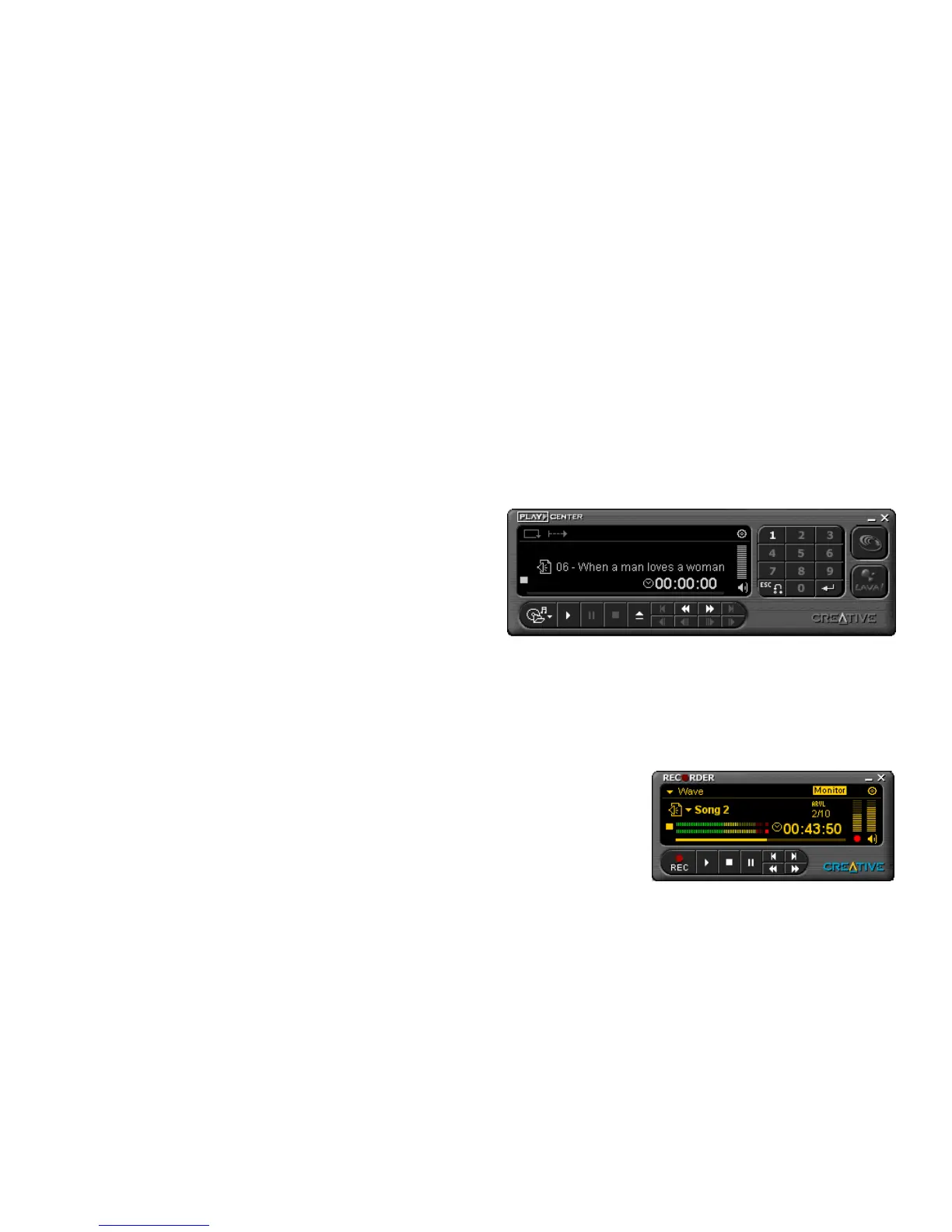
Creative PlayCenter
PlayCenter allows you to play
most types of media—multimedia
files (MIDI, Wave, MP3, etc.),
audio CDs, and Video CDs—
using a single player. Just insert or
select your media and PlayCenter
does the rest.
The new SoundFont Association feature allows you to autoload SoundFont banks used by MIDI
files such that you can experience the power of SoundFont technology seamlessly.
PlayCenter launches LAVA! automatically whenever you play an MP3 file. You can also set
LAVA! to launch automatically when playing audio CDs or other multimedia files.
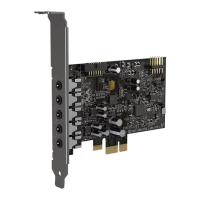
Creative Recorder
Recorder allows you to record sounds or music from
various input sources like the microphone or Audio CD,
and save them as Wave (.wav) files.
For details on how to use Recorder, see its online help.


 To Next Page