Knowing and Installing Your Card 1-3
Installing the Card
and Related
Peripherals
1. Switch off your system and all peripheral devices.
2. Touch a metal plate on your system to ground yourself and to discharge any static
electricity, and then unplug the power cord from the wall outlet.
3. Remove the cover from your system.
4. Remove the metal plates from two unused PCI expansion slots in your system and put the
screws aside, to be used later.
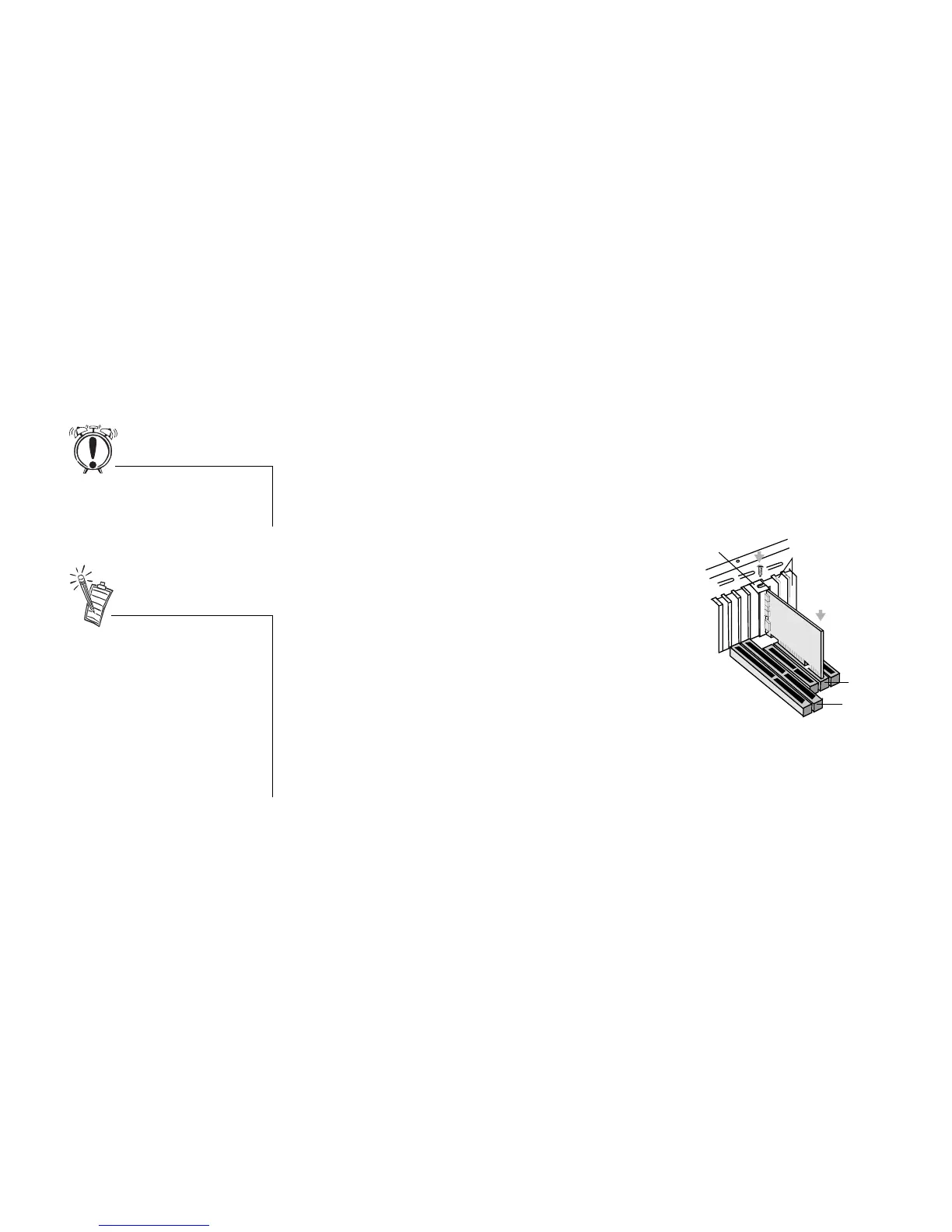
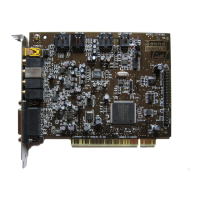
5. Align the Sound Blaster Live! card with the vacant PCI expansion slot. Press the card
gently and evenly into the slot as shown in Figure 1-2. Ensure that the card is seated firmly
inside the PCI expansion slot.
6. Secure the card to the expansion slot with a
screw.
7. To learn how to connect to other devices, see
Figure 1-3.
8. Replace the cover onto your system.
9. Plug the power cord back into the wall outlet, and
switch on the system.
Do not force the audio card into
the slot. If it does not fit properly,
gently remove it and try again
.
Figure 1-2: Securing the audio card to the
PCI expansion slot.
Unused brackets
ii. Fasten the card
to the slot with a
screw.
i. Gently press the
audio card into
the slot.
PCI slot
ISA slot
The joystick connector on your
audio card is identical to that on a
standard PC game control adapter
or the game I/O connector. You
can connect any analog joystick
with a 15-pin D-shell connector or
any device compatible with the
standard PC joystick. To use two


 To Next Page