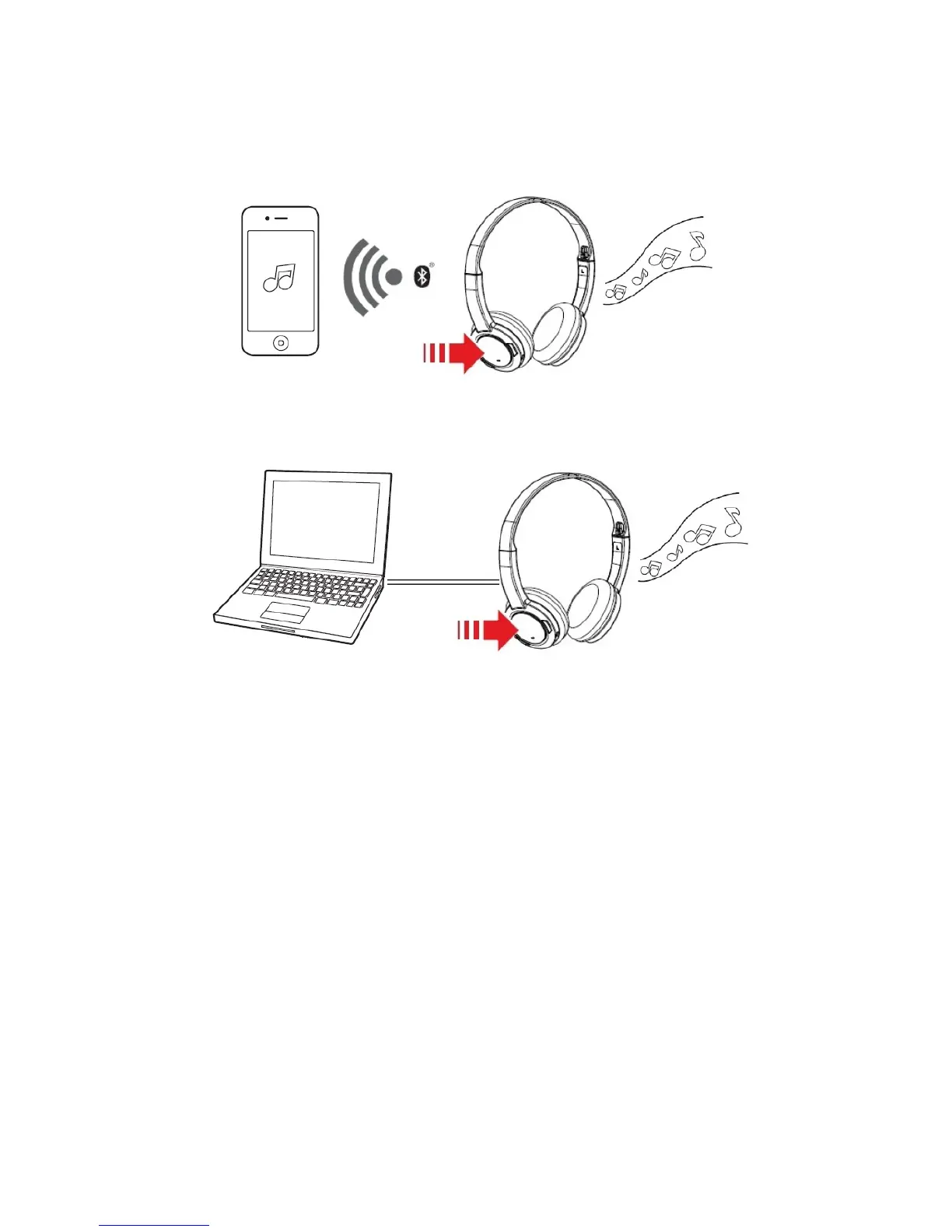
Playing Music or Movies
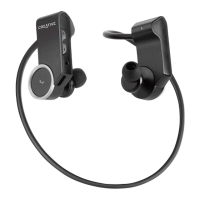
Connect your Sound Blaster JAM wirelessly to a portable entertainment device such as mobile phones
and tablets and enjoy clear audio quality on the go! Alternatively, you may connect it to your computer
via USB to enjoy the legendary Sound Blaster audio quality.
OR
Play, Pause or Resume Music
Tap on the Multifunction button once to play music and again to pause it. Similarly, tap on the same
button to resume.
Adjusting Volume
When listening to music, you may adjust the volume control to increase or decrease the music level.
Next Track or Previous Track
Press and hold the Volume + or Volume - button to skip to the next or previous track.
Note:
You can connect Sound Blaster JAM to a mobile device wirelessly and to your computer via USB at the
same time, and toggle between them.
Using Your Headset 10










 To Next Page