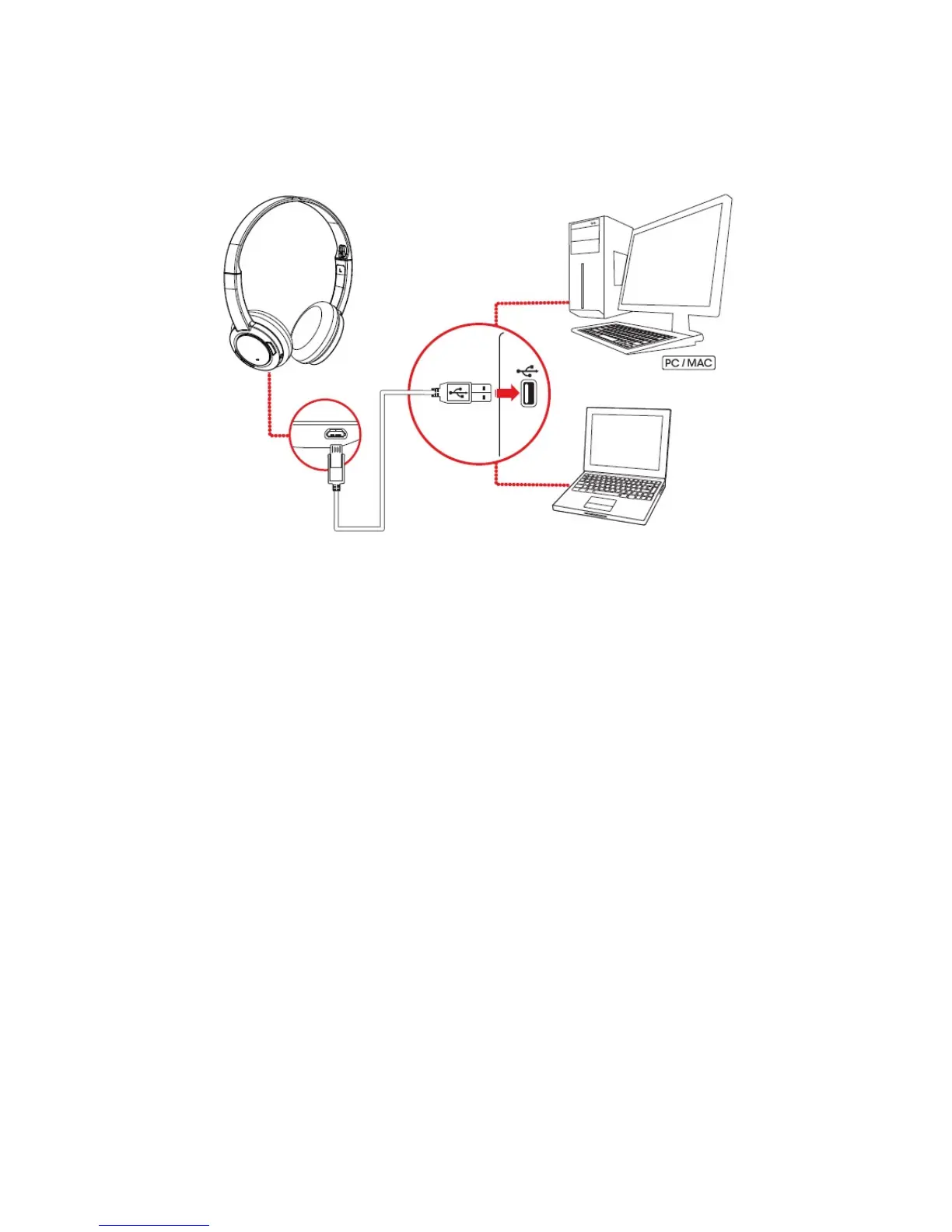
USBConnection
Connect your headset to a computer using the USB cable. Turn it on by pressing and holding the
Multifunction button for 2 seconds. The LED will light in green when it is successfully turned on. You
can stream audio from your computer through the USB connection.
Note:
Profile setting adjustments via Sound Blaster JAM Control Panel is only available in USB Digital Mode.
Refer to Using the Software for more information.
Set the default audio device (Mac OS ONLY)
1. Go to System Preferences and click Sound.
2. Select Sound Blaster JAM in both the Output and Input tabs.
Setting Up Your Headset 7










 To Next Page