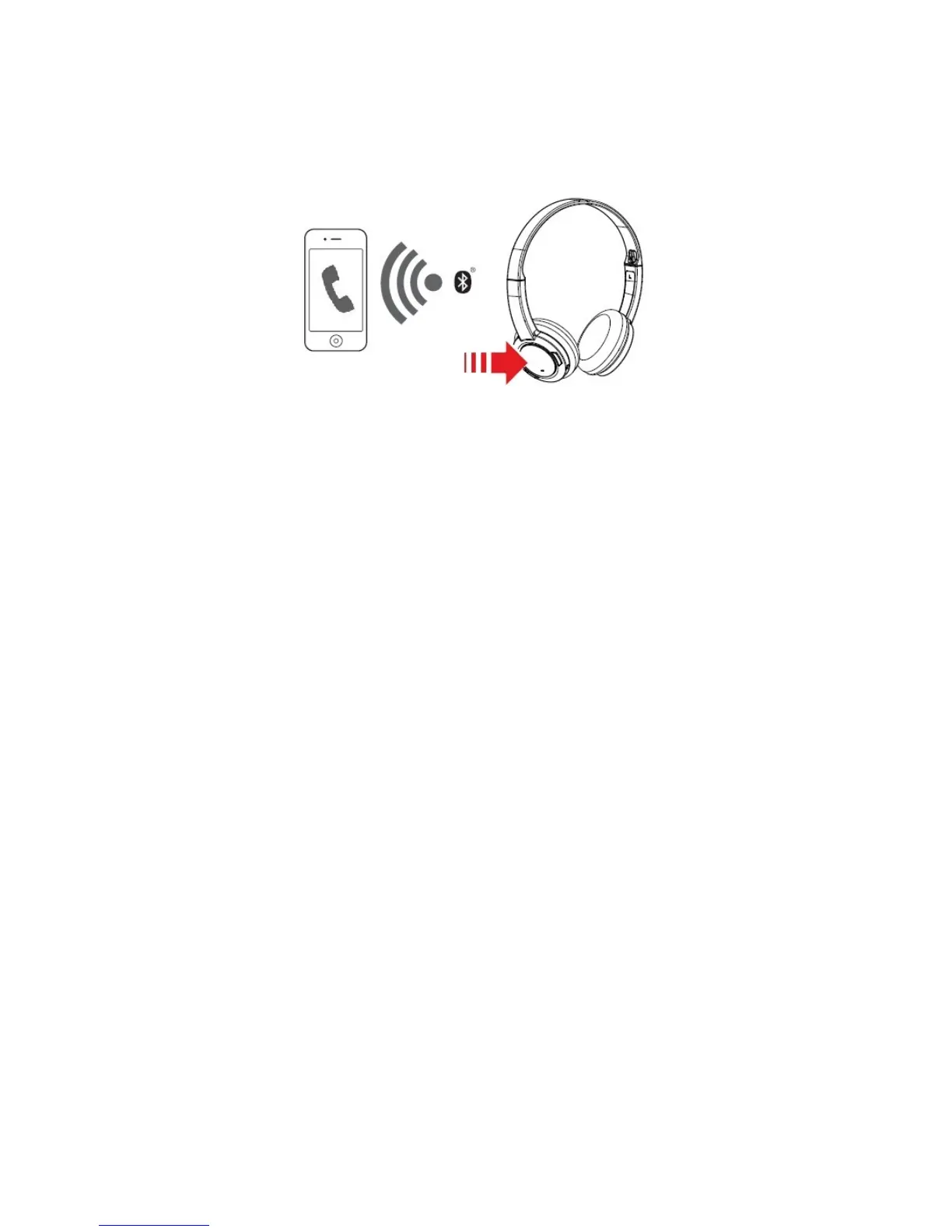
Answering and Ending Calls
When the headset is turned on, it goes into standby mode and waits for calls passively. After you have
ended a call on your mobile phone, the headset returns to standby mode or resumes your music again.
Answer or End a Call
When there's an incoming call from your mobile device while you are listening to music, the music fades
out and the ringtone will gradually be heard.
Tap on the Multifunction button once to answer the call, and tap on the same button again to end it.
The music will resume after the call has ended.
Reject a Call
Alternatively, you can also reject the incoming call by pressing and holding the Multifunction button.
Redial Last Number
Press and hold the Multifunction button to redial the last called number.
Note:
This feature is only available when the headset is connected via Bluetooth.
Using Your Headset 11











 To Next Page