Step 2:Connect Your Headset
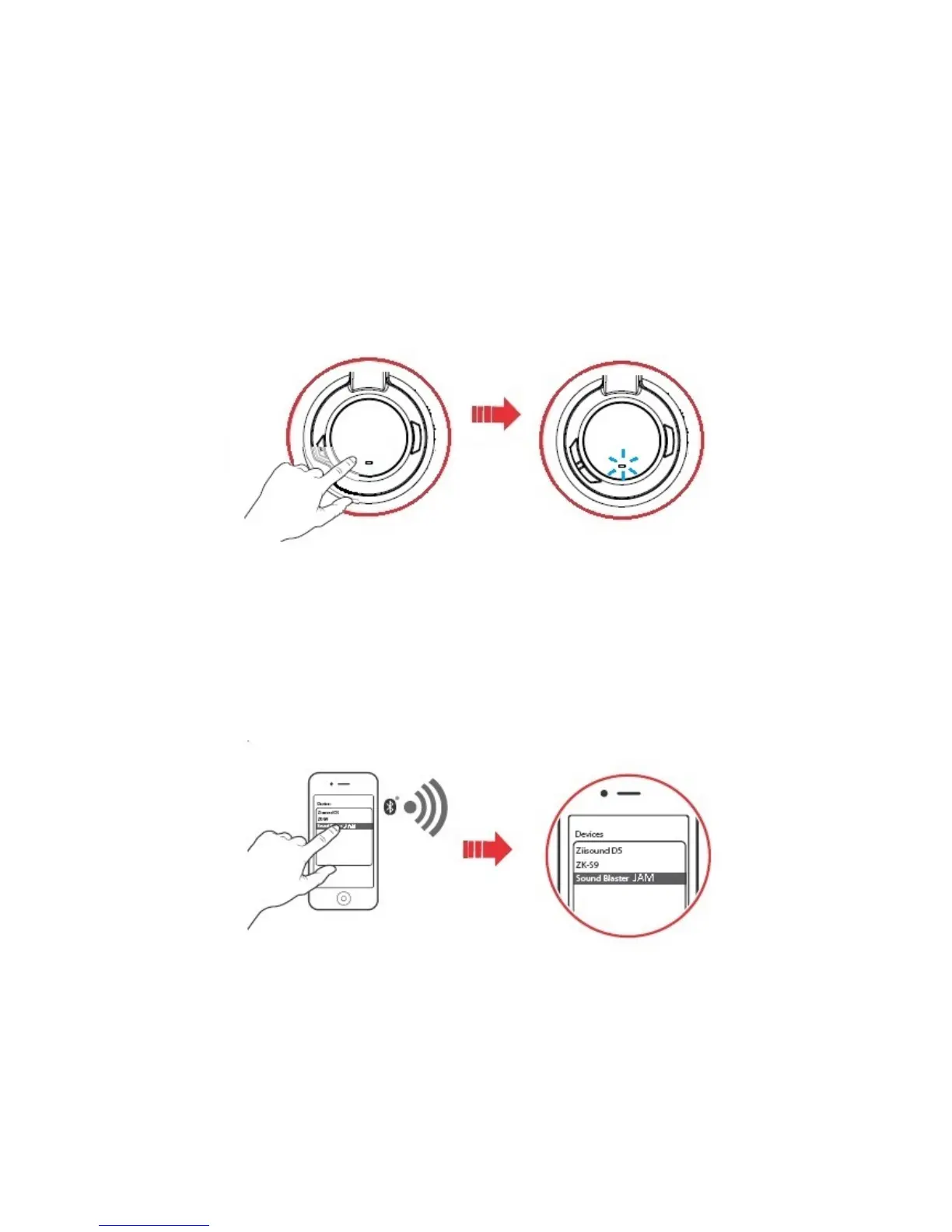
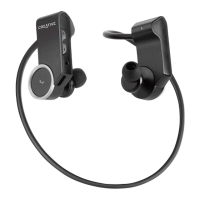
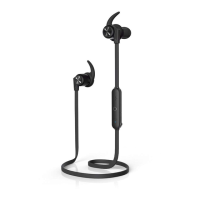
Turn on your Sound Blaster JAM by pressing the Multifunction button.
l Turn ON: Press and hold 2 seconds
l Turn OFF:Press and hold 4 seconds
Bluetooth Pairing
1. Activate pairing mode on the headset
Turn on your headset. If the headset has not been paired with any devices previously, it will go into
Bluetooth discoverable mode. Otherwise, it will be automatically paired to previously paired devices.
The Bluetooth discoverable mode is only available for 60 seconds after the headset is turned on. To
activate Bluetooth again, press the Multifunction button for 2 seconds. The LED will begin to blink
quickly in blue for 60 seconds while waiting to be connected.
2. Activate pairing mode on your device
Activate Bluetooth on your smart device. From the list of discovered Bluetooth devices, select "Sound
Blaster JAM".
Note:
Bluetooth pairing between these devices may vary depending upon the model type. Consult your
device’s manual on how to pair.
Setting Up Your Headset 5










 To Next Page