1. Click the SBX Profile menu on the left to view the SBX Profile screen.
2. Select your desired profile from the screen.
To modify and save changes to the active profile,
1. Click the Edit button to modify the profile you have selected.
2. Navigate through the various other menu options of the Sound Blaster JAM Control Panel and modify
the configurations as desired.
Configuring Your General Settings
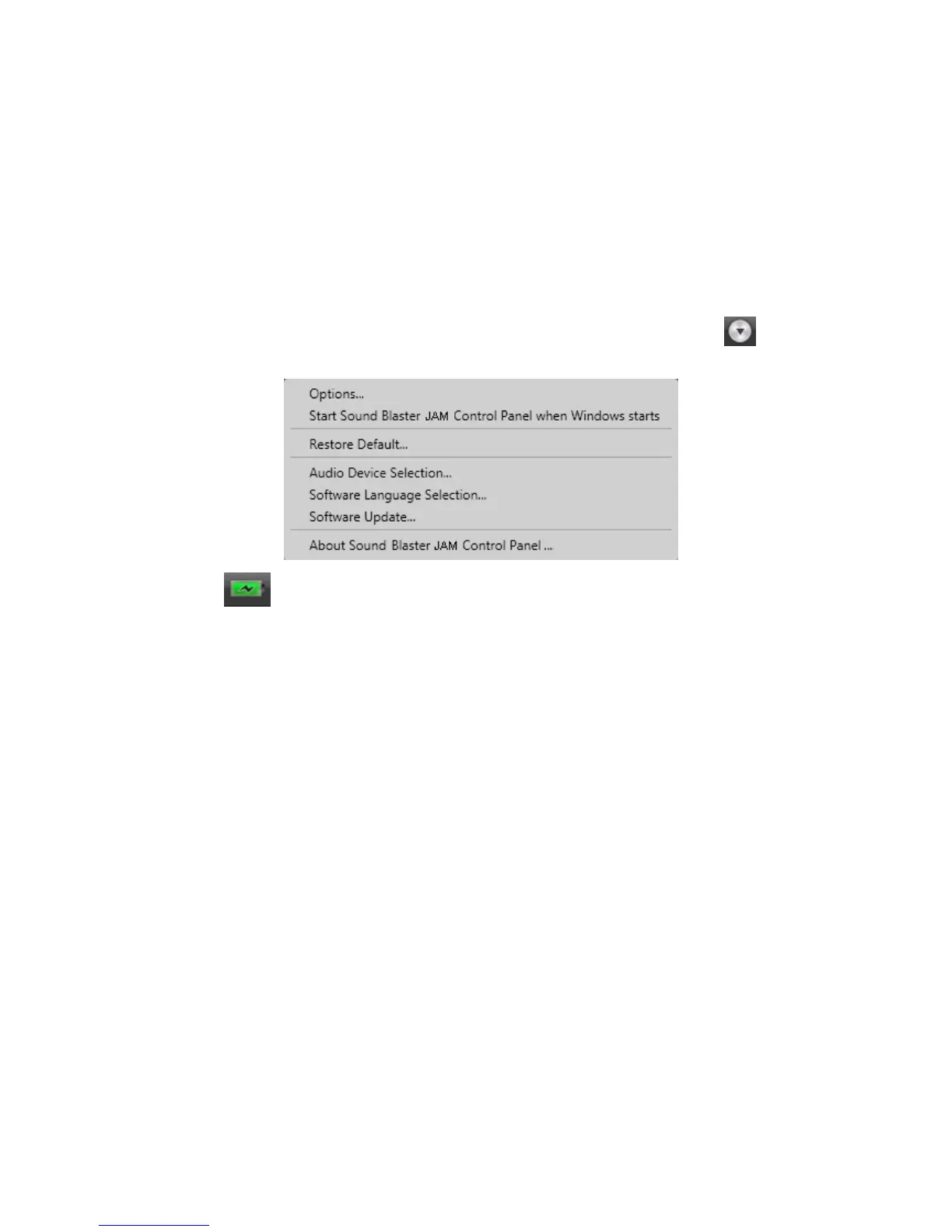
You can change the language settings or restore settings to their default values. Click from the top
right corner of the interface and select the option from the list.
The battery icon indicates the battery status of the Sound Blaster JAM.
Using the Creative Software 16














 To Next Page