Desktop communication
Use the Sound Blaster E3 to enjoy outstanding acoustic performance in popular VoIP applications like
Ventrilo
®
and TeamSpeak
®
. Hear and be heard clearly by teammates during multiplayer games to get
the tactical edge.
You may choose to morph your voice with special effects with the VoiceFX too! See Having Fun with
CrystalVoice.
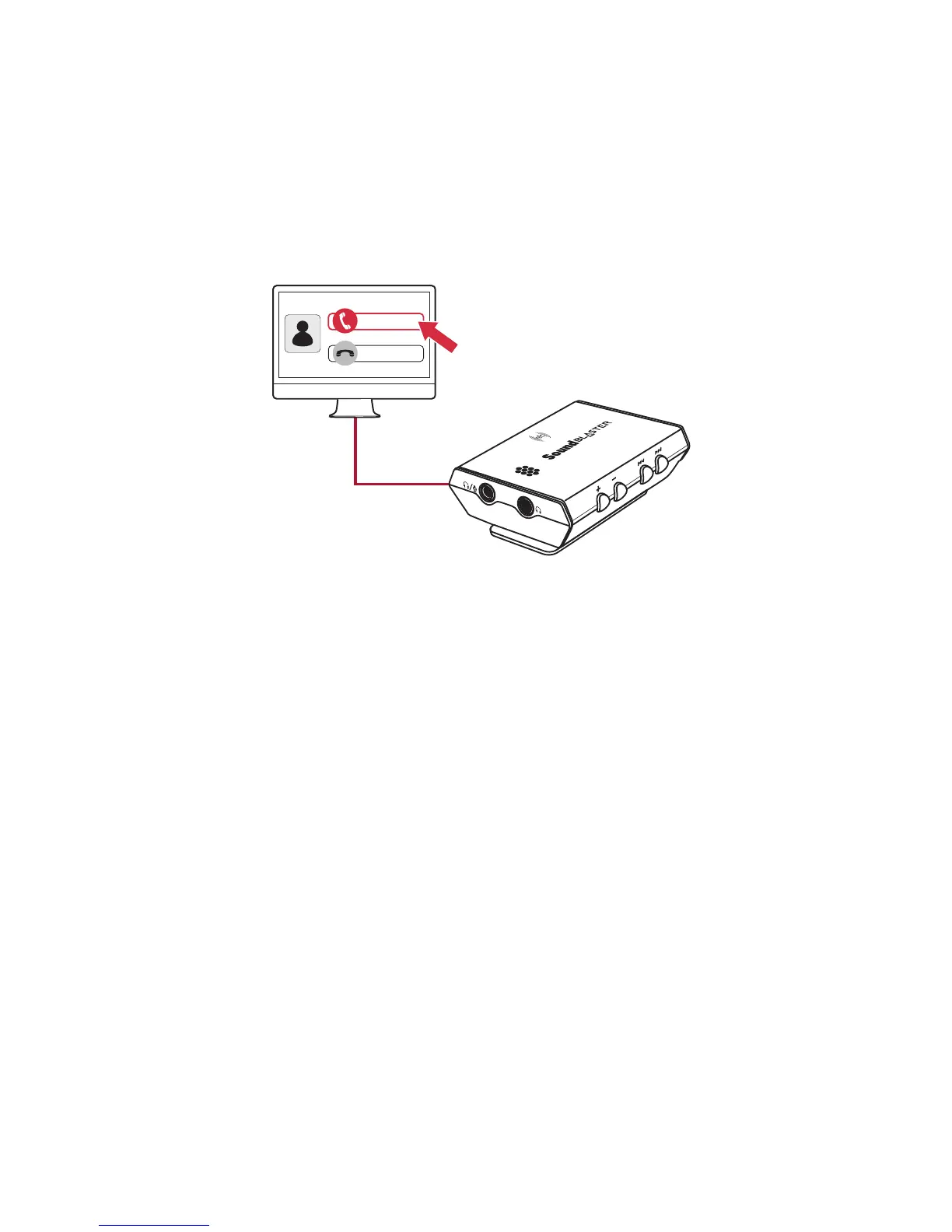
When there's an incoming call, click on the answer call button prompted on the computer screen to
enter voice communication.
Note:
If two headphones are connected, you will be able to listen to the call on both headphones.
CrystalVoice enhancements help to further this experience by enhancing the clarity of
communications. See Using the Creative Software Suite– CrystalVoice Settings.
Sound Blaster E3 – Using Your Audio Device 19


 To Next Page