Restore Factory Default Settings
To reset your device to the factory default settings, press and hold the Power / Bluetooth button for
8 seconds while in power OFFmode. Release the button when the LEDindicator blinks white. All
Bluetooth pairing information on your device will be erased.
Additional Support
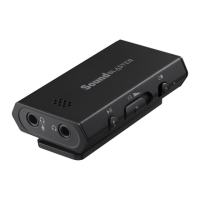
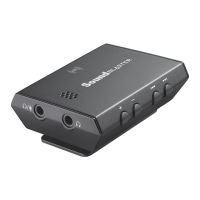
If you encounter any other issues or have any other enquiries about your Sound Blaster E3 or any other
Creative products, please visit our comprehensive knowledge base at support.creative.com or
www.soundblaster.com for additional information.
Sound Blaster E3 – Troubleshooting and Support 36


 To Next Page