Scout Mode
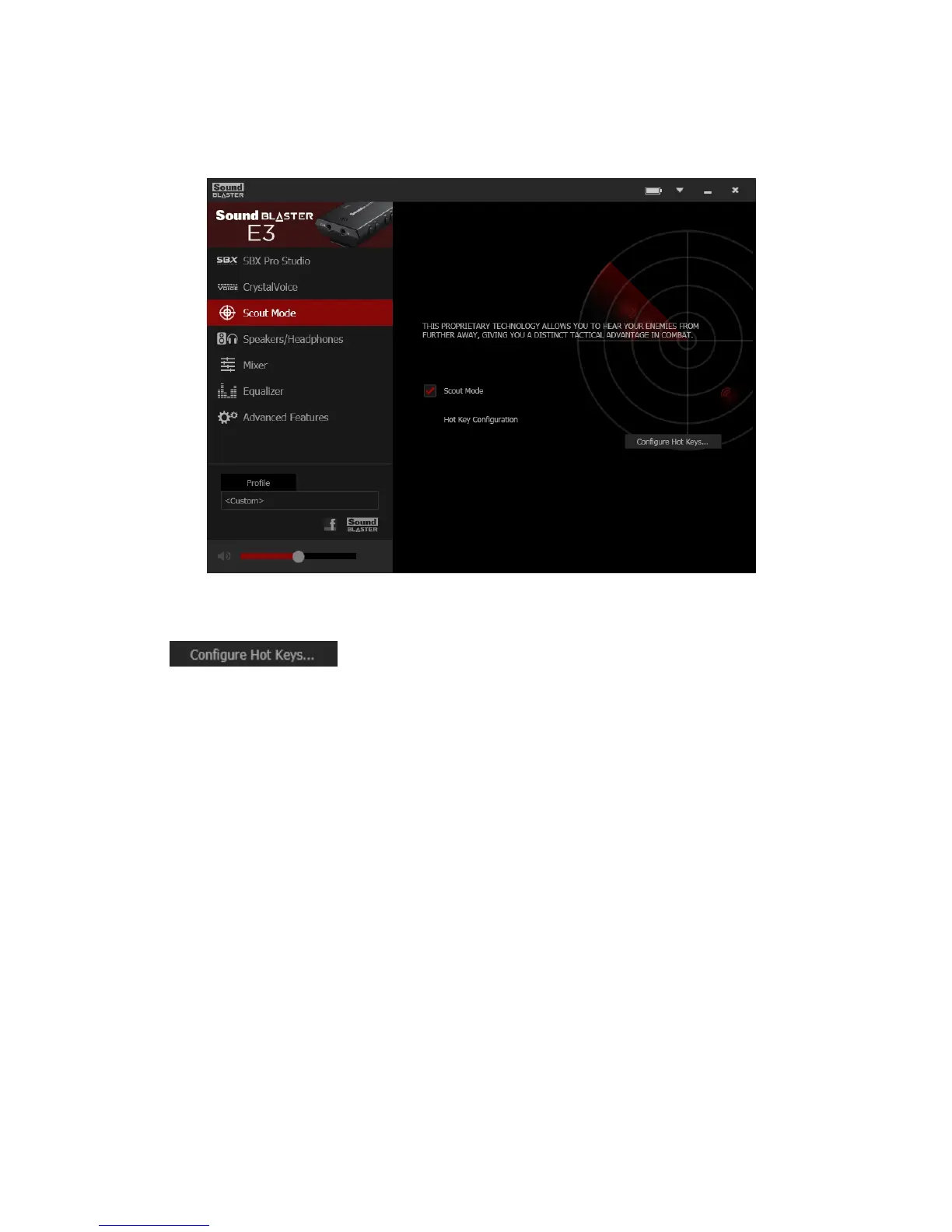
Scout Mode delivers audio realism that enables you to hear your opponents from further away, giving
you a distinct tactical advantage in combat.
1. Scout Mode
Select to turn on or off Scout Mode.
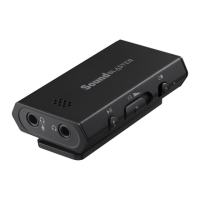
2.
Click to configure hotkeys for turning on and turning off Scout Mode.
Note:
When Scout Mode is activated, other audio settings may be disabled.
Sound Blaster E3 – Using the Creative Software Suite 28


 To Next Page