12
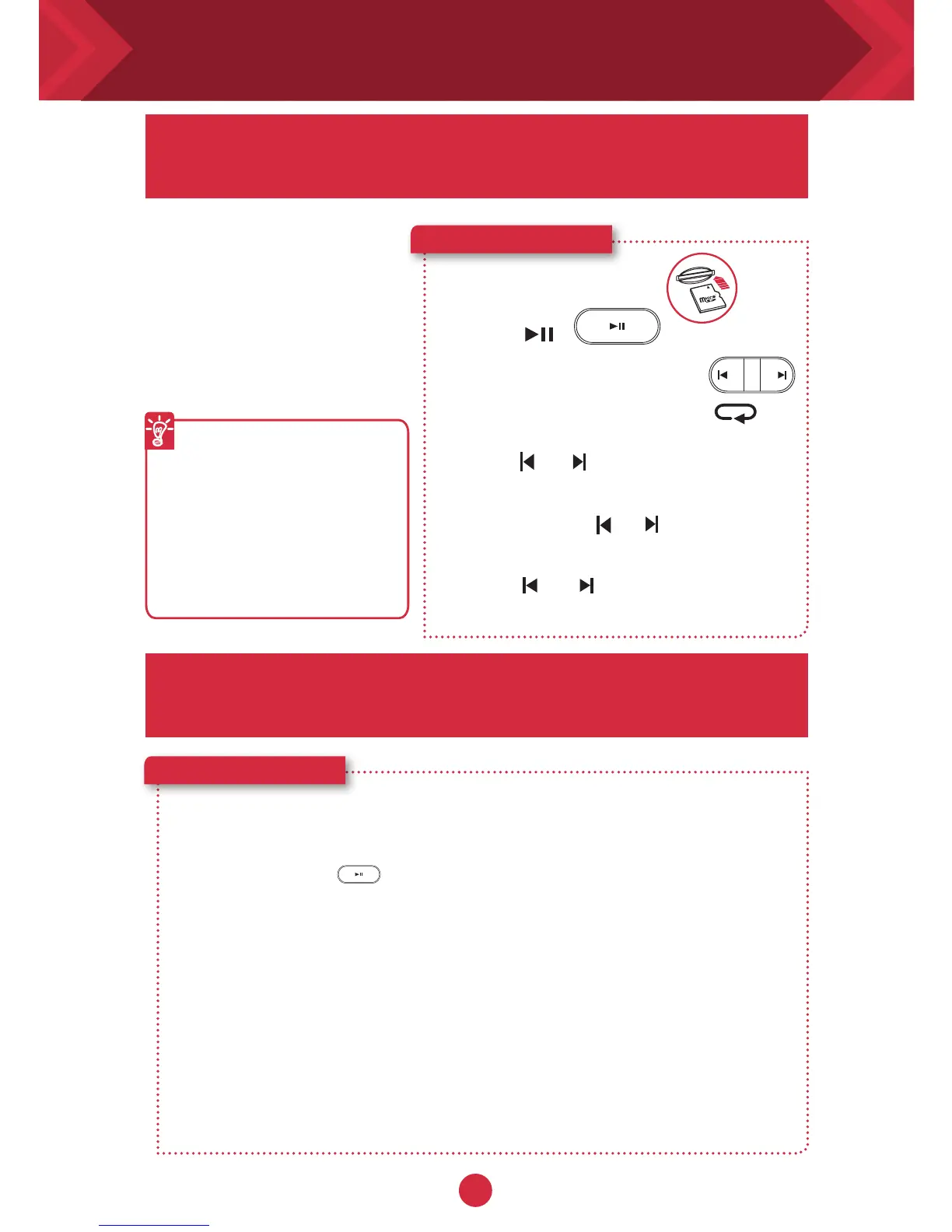
Playing MP3 / WMA audio files
Here’s how you do it!
1 Insert a microSD card.
microSD
Card
2 Press .
3 Navigate through tracks.
Besides streaming music
from your smart phone
wirelessly via
Bluetooth
,
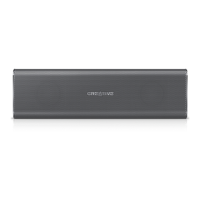
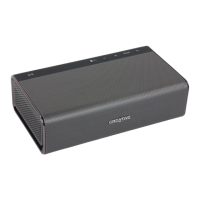
the Sound Blaster Roar
can also play audio files on
a microSD card with the
built-in WMA/MP3 player.
Playback tips
l
You can play WMA,
WAV or MP3 files.
l
The Sound Blaster Roar
supports microSD or
microSDHC cards up to
32GB.
OR
To skip folders:
Press and hold or during playback.
Press or when playback is
stopped.
The Sound Blaster Roar doubles up as a microSD
card reader!
Your Sound Blaster Roar comes with a built-in
WMA/MP3 player.
To skip tracks (in Repeat All
mode):
Press or during playback.
Here’s how you do it!
1 Insert a microSD card.
2 Connect the speaker to a computer via USB cable.
3 Press and hold until you hear a tone.* This signifies that the
Sound Blaster Roar has switched from USB Audio Device to USB
Mass Storage Device.
4 Browse or modify microSD card contents on your computer.
* If no tone is heard, disconnect the cable from the computer, and start
from Step 1 again.
Note:
l
To switch back to USB Audio Device, either follow step 3 again or eject the USB Mass
Storage Device from the computer. Alternatively, you can power OFF and ON the
Sound Blaster Roar.
l
Depending on your operating system, a pop-up message may appear informing you
that the Mass Storage Device has not been ejected properly. This is normal and not
disruptive to your microSD card.










 To Next Page