6
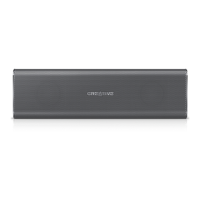
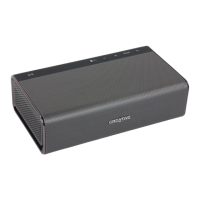
The Sound Blaster Roar
connects to
Bluetooth
devices with robust
high-quality aptX
®
and
AAC music streaming.
NFC technology makes
connecting even easier
– just tap and play!
Here’s how you do it!
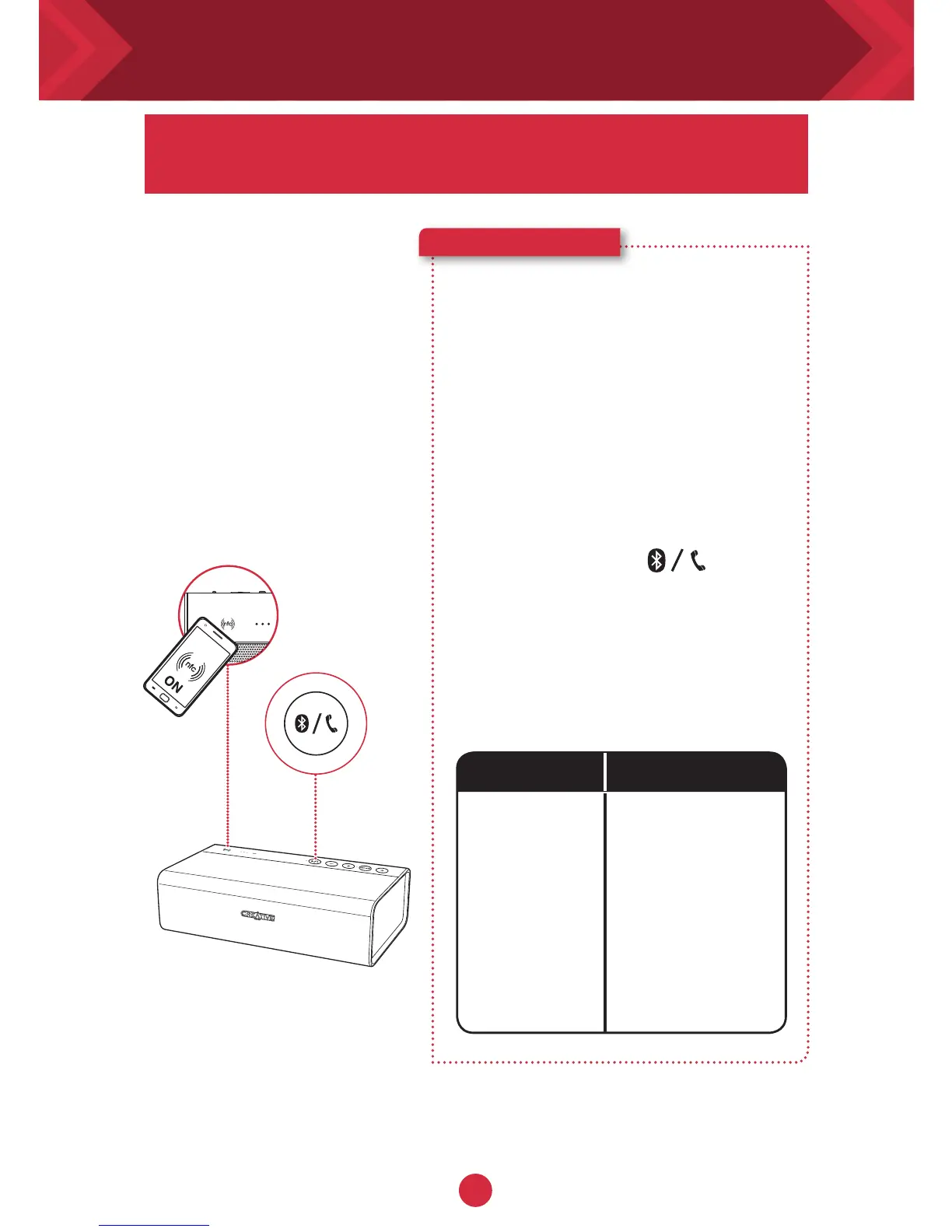
1 A. One-touch pairing with NFC
2 Start playback on your
connected device.
OR
B. Manual
Bluetooth
pairing
(i) Press and hold until the
white LED blinks rapidly.
(ii) Select SB ROAR SR20A on your
device.
Turn on NFC on your NFC-enabled
device and tap your device on the
NFC logo to connect.
To disconnect, tap your device on
the Sound Blaster Roar again.
B.
A.
Powered ON but not
connected to any
Bluetooth devices
Bluetooth Pairing
Mode, waiting for
device to connect
Connected to a
Bluetooth device
Green LED
stays lit
White LED
blinking rapidly
White LED
stays lit
LED Indication
Status
Connecting your speakers -
Bluetooth
/ NFC
The Sound Blaster Roar lets you stream music
wirelessly.










 To Next Page