8
Creative
Bluetooth
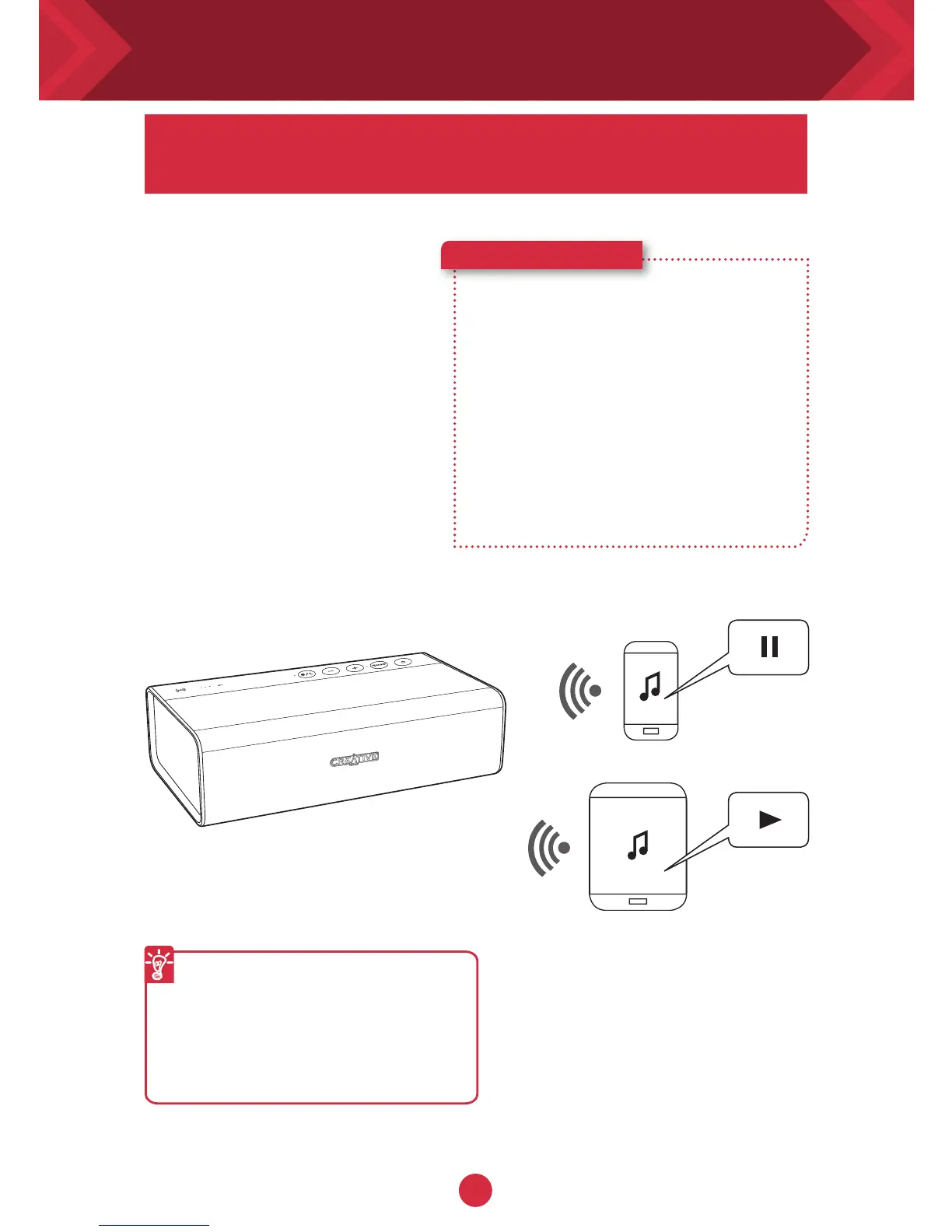
Multipoint lets you pair 2 devices
to the Sound Blaster Roar.^
With Creative
Bluetooth
Multipoint, you can
connect up to two
Bluetooth
devices
simultaneously. Toggle
easily between your
phone and tablet, or
share music playback
from your phone or a
friend’s phone.
Here’s how you do it!
1 Pause playback on the
connected device.
2 Pair and connect a second
device.
3 Start playback on either
one of the connected
devices.
To toggle between devices
Pause playback on the first
connected device before
starting playback on the
second connected device.
^Only available in Link Security
mode 2
Connecting your speakers - Understanding Multipoint










 To Next Page