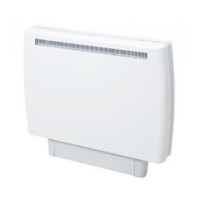
The heater incorporates a real time clock with calendar function. The clock has a battery
backup that will keep the clock running in the event of a mains power outage.
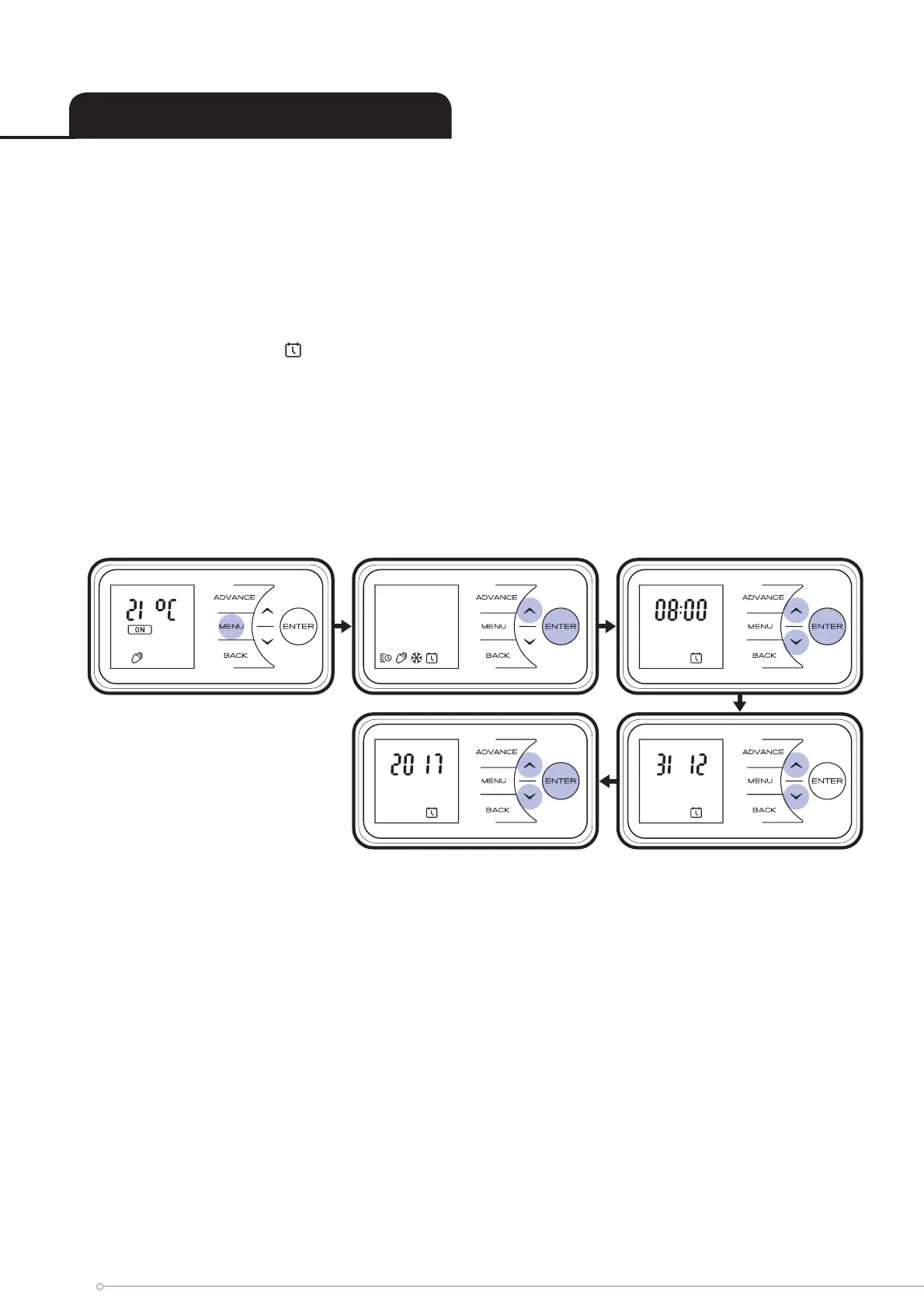
To adjust the date and time follow the steps below
• Press the Menu button
• Press Up button 3 times
• Press Enter when the Date & time Icon is fl ashing
• Press Enter the current Date & time fl ashes
• Press Down / Up to set the Hour, then press Enter to confi rm
• Press Down / Up to set the Minutes, then press Enter x 2 to confi rm
• Press Down / Up to set the Day, then press Enter to confi rm
• Press Down / Up to set the Month, then press Enter to confi rm
• Press Down / Up to set the Year, then press Enter to confi rm
Setting the Date and Time
12


 To Next Page