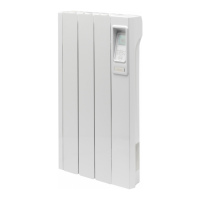
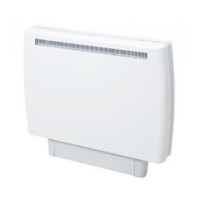
The heater controls can be easily adjusted by using the six buttons on the user interface.
1. The Display Screen shows the options available at each stage of adjustment
2. Menu - displays the main options list
Schedule: Set the program times and temperatures
Manual Mode: Toggle between Manual / Standby
Frost Protect: Set the frost protect temperature
Set Time & Date: Set the Date and Time
3. Back returns to the previous programming stage
4. The UP and DOWN buttons are used to navigate through the menus and alter setting
values. The UP and DOWN buttons are also used to adjust the required room temperature
on the main screen.
5. Enter is used within the menu options to confi rm settings. On the main screen pressing
Enter will display the Device Name as a 4 digit PIN. The timed periods during which the
heater is providing heat are defi ned as Comfort On (this is displayed in the middle of the
screen). Outside of heating periods the heater will not deliver heat and these periods are
called Comfort Off . While constant heat modes are active, the mode of operation is displayed
at the bottom of the screen e.g. Manual
6. The Advance button overrides the heating settings and changes the operational state of the
heater. When a timer has been selected, the Advance function allows you to begin the next
period early. If the heater is in a Comfort Off period and you want heat - press the Advance
button. If the heater is in Comfort On and you don’t want heat, press the Advance button
and it will go off until the beginning of the next Comfort On Period.
If the heater is in a constant mode of operation, Advance can be used to switch the heater on
and off .
Control Functions
10


 To Next Page